G
Screen Design Guideline
RYA.AE · Pre-Edit Visual System · v3.0
aboutAbout This Guideline
This guideline defines the visual screen types used during the Pre-Edit stage of video production. Each screen type has a specific purpose, content limits, and trigger keywords for automated selection.
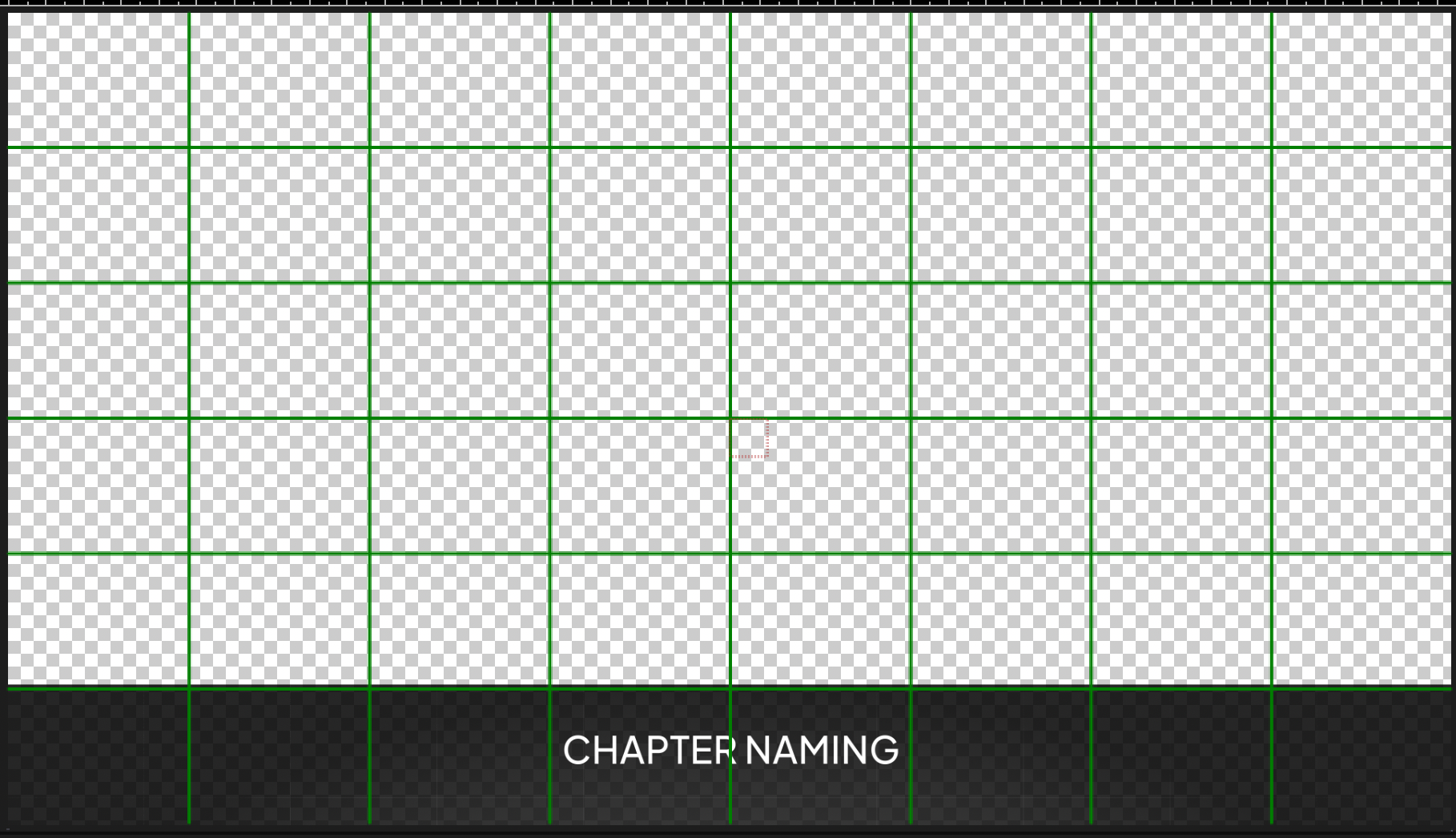
Use this catalog to choose the right screen for each segment of the video. The checkerboard pattern marks the speaker area.
22 screen types in 6 categories · 2 fonts (Google Fonts, free) · 10 colors
colorsColor Palette
Primaries + Accents
Background Dark
#0D1526
Primary background
Background Panel
#121E33
Cards, panels, overlays
Lime Accent
#D4E44B
Headings, badges, CTA
White
#FFFFFF
Body text, lines
Link Blue
#7BA4D4
Links, labels, info
Card BG
#1C2D42
Buttons, card fills
Functional Colors
Error / Danger
#E05555
Negative, X, arrows
Success
#4ADE80
Positive, checkmarks
Purple
#6B5CE7
Option A, comparison
Muted
#8899AA
Subtitles, hints
fontsTypography
Google Fonts (free)
Orbitron
STRATEGY #4
LESSON 15
Section titles, chapter names, lesson numbers, speaker names. ALL CAPS.
Weights: 700 (Bold), 900 (Black)
Montserrat
Deep dive into the topic
Retention drops without systems
Body text, bullet points, subtitles, descriptions, stats, labels.
Weights: 300 (Light), 400, 600, 700 (Bold), 800
Typography Scale
HEADINGOrbitron Black 36-42px · Section titles
SUBHEADINGOrbitron Bold 20-24px · Lesson titles, names
Body LargeMontserrat Bold 20-22px · Side slide titles
Body RegularMontserrat Regular 16-18px · Bullet points
Caption / HintMontserrat Light 12-14px · Subtitles
A9 types
Titles & Text
Заголовки и навигация (4 типа Title) + текстовые экраны. Для каждого видео выбираем 1-2 способа показать Title
Title Types
4 способа показать заголовок в видео. Выбираем 1-2 на видео:
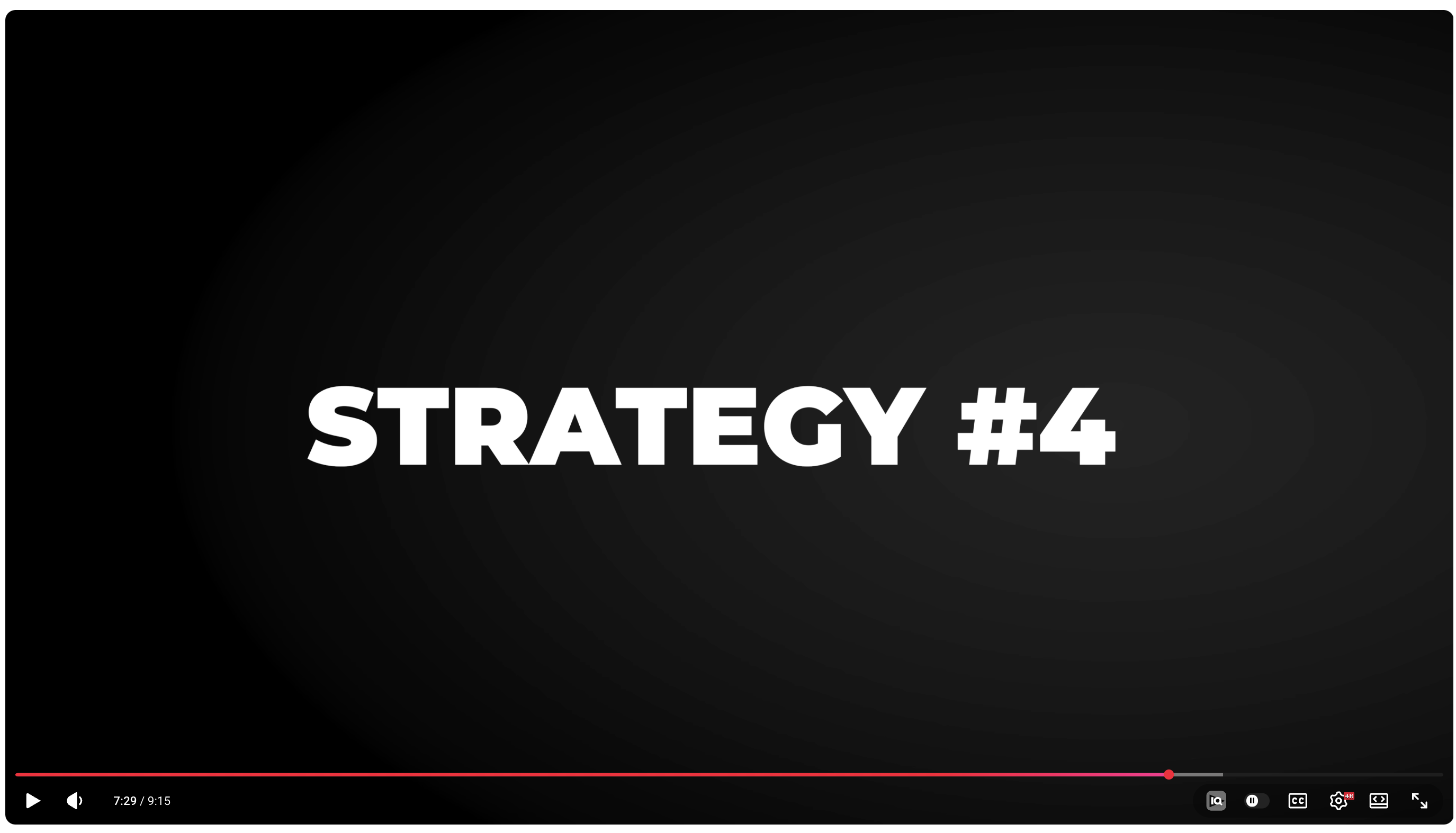
section_titleSection TitleTITLE
STRATEGY #4
Description
Полноэкранный заголовок — крупный жирный текст по центру на тёмном фоне. Без спикера.
When to use
Начало нового блока/главы, смена темы.
Max text
2 строки, 5-6 слов, ALL CAPS
Keywords
стратегияошибкашагурокглаваправило
Reference
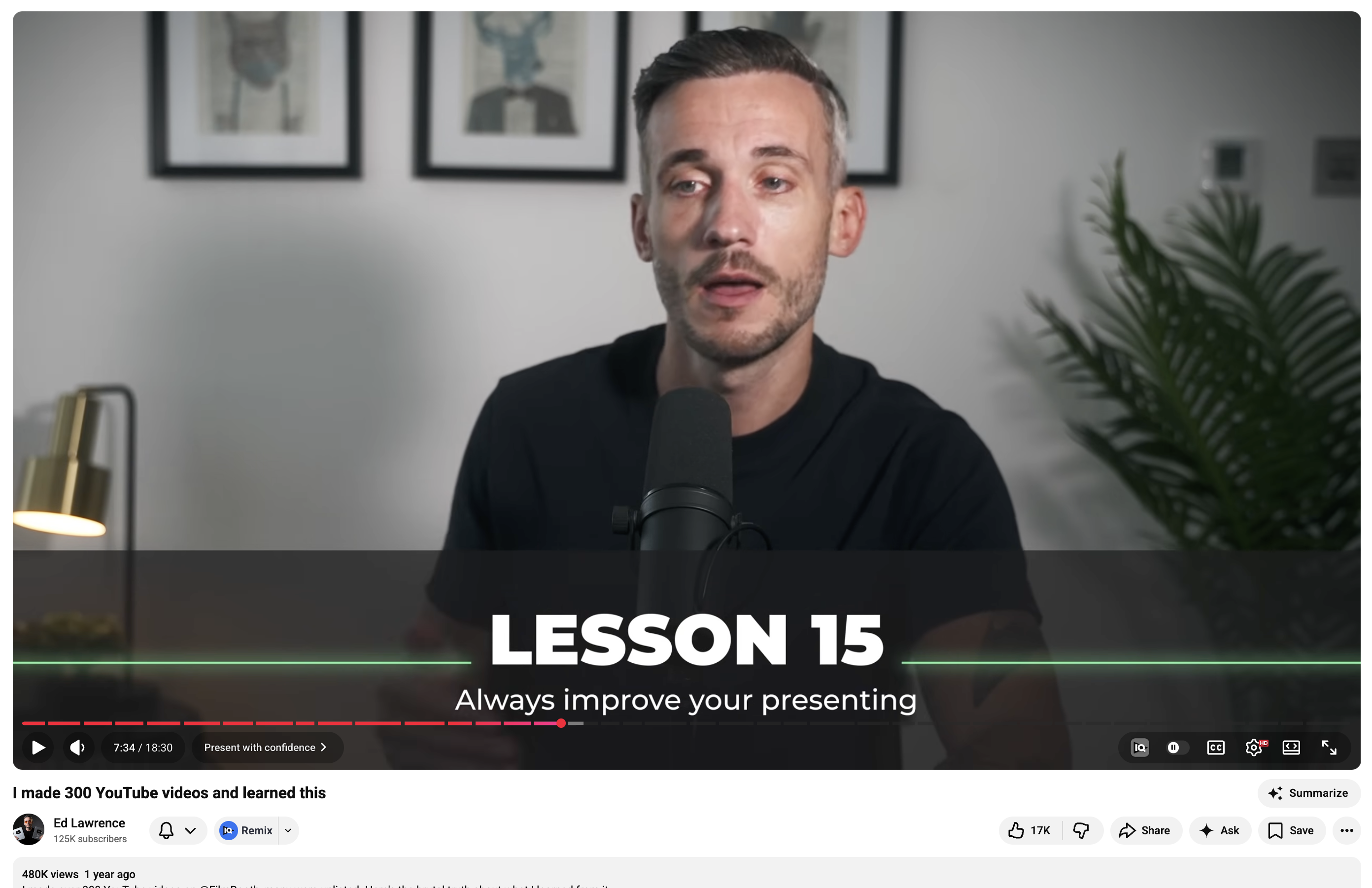
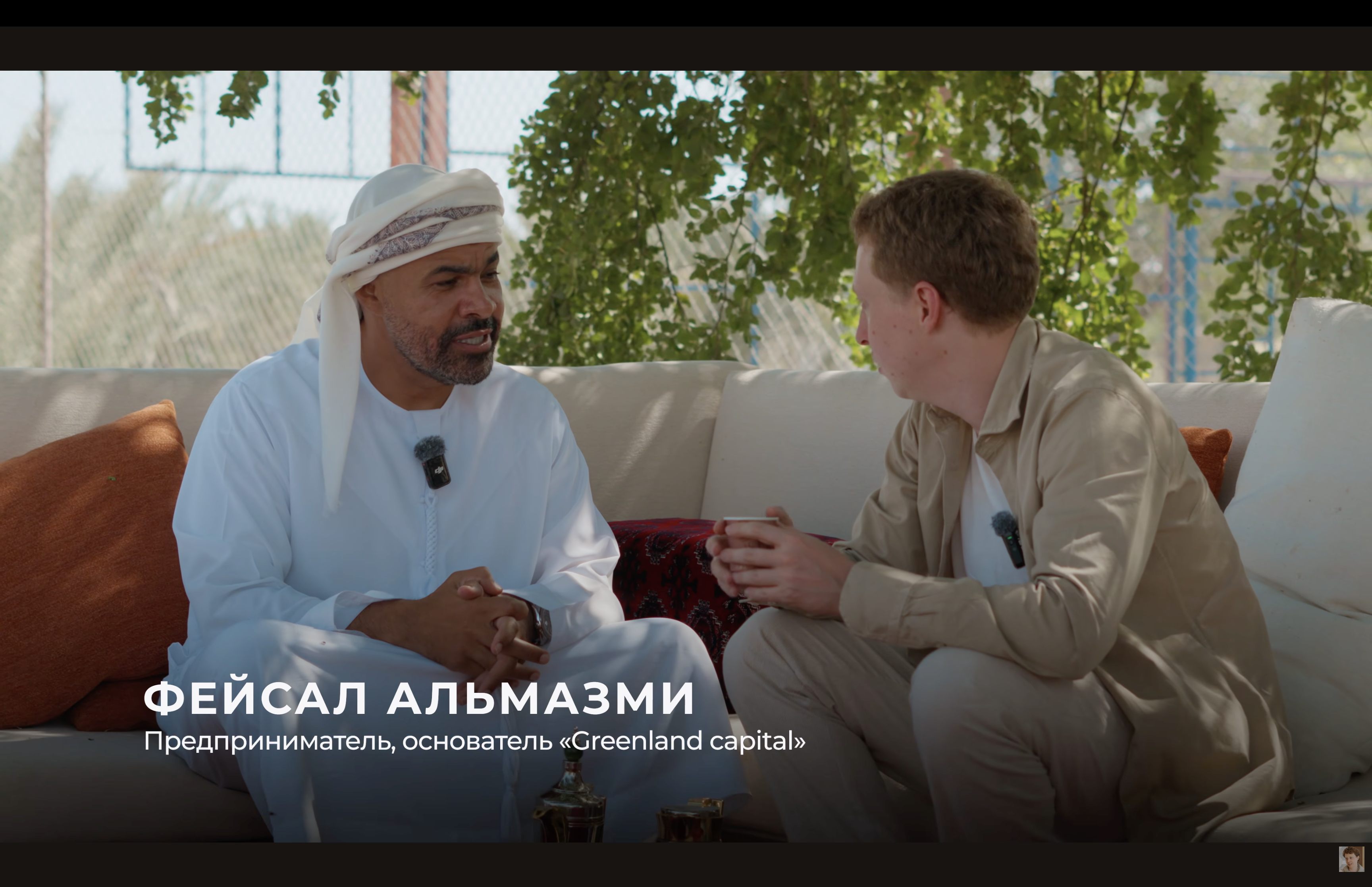
lower_third_titleLower Third TitleTITLE
Description
Заголовок поверх спикера — текстовая плашка внизу кадра. Название урока, темы, chapter bar.
When to use
Название урока/темы поверх видео, chapter naming при смене раздела.
Max text
2 строки (заголовок + подзаголовок)
Keywords
уроксоветтемаимядолжность
Reference
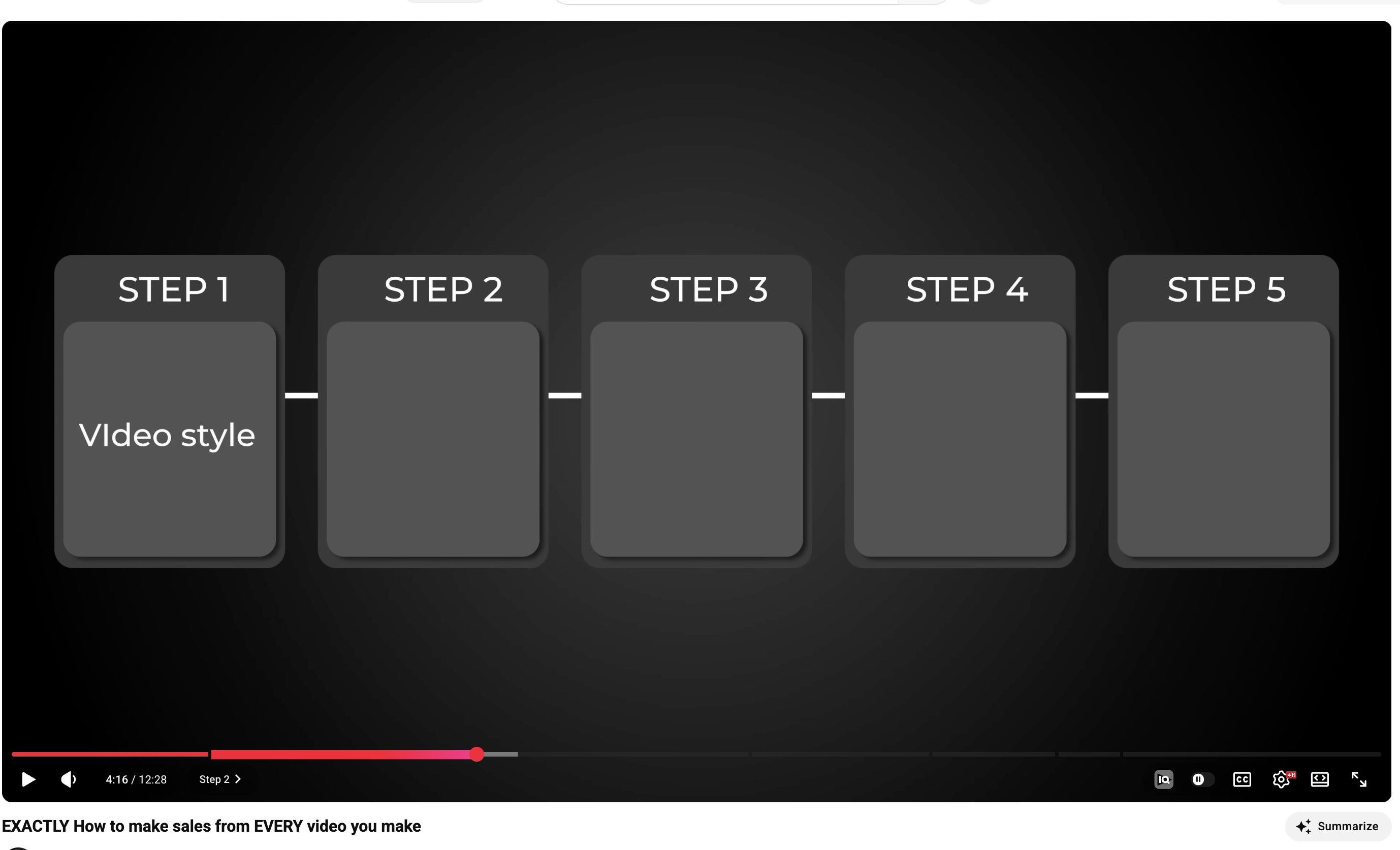
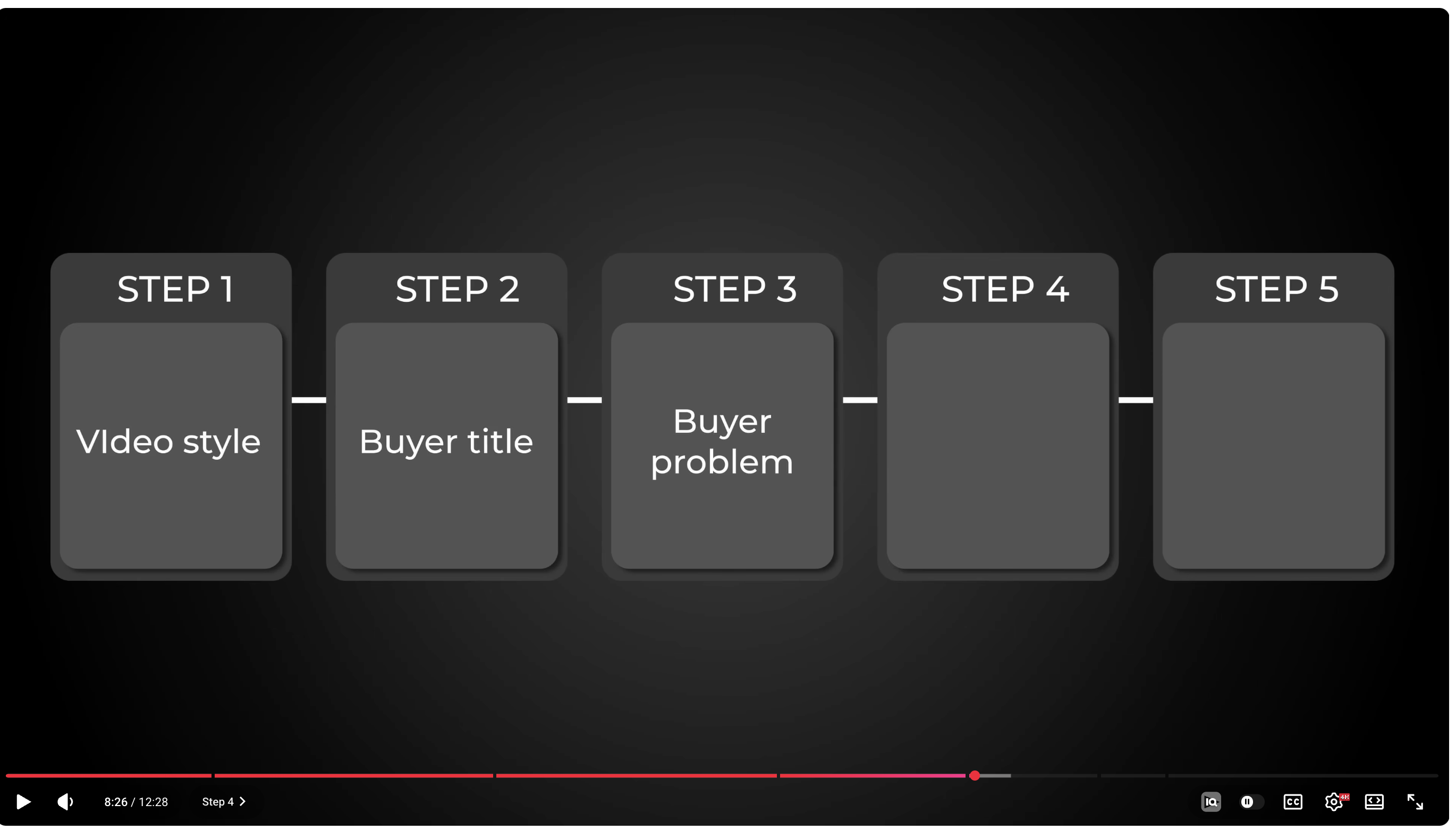
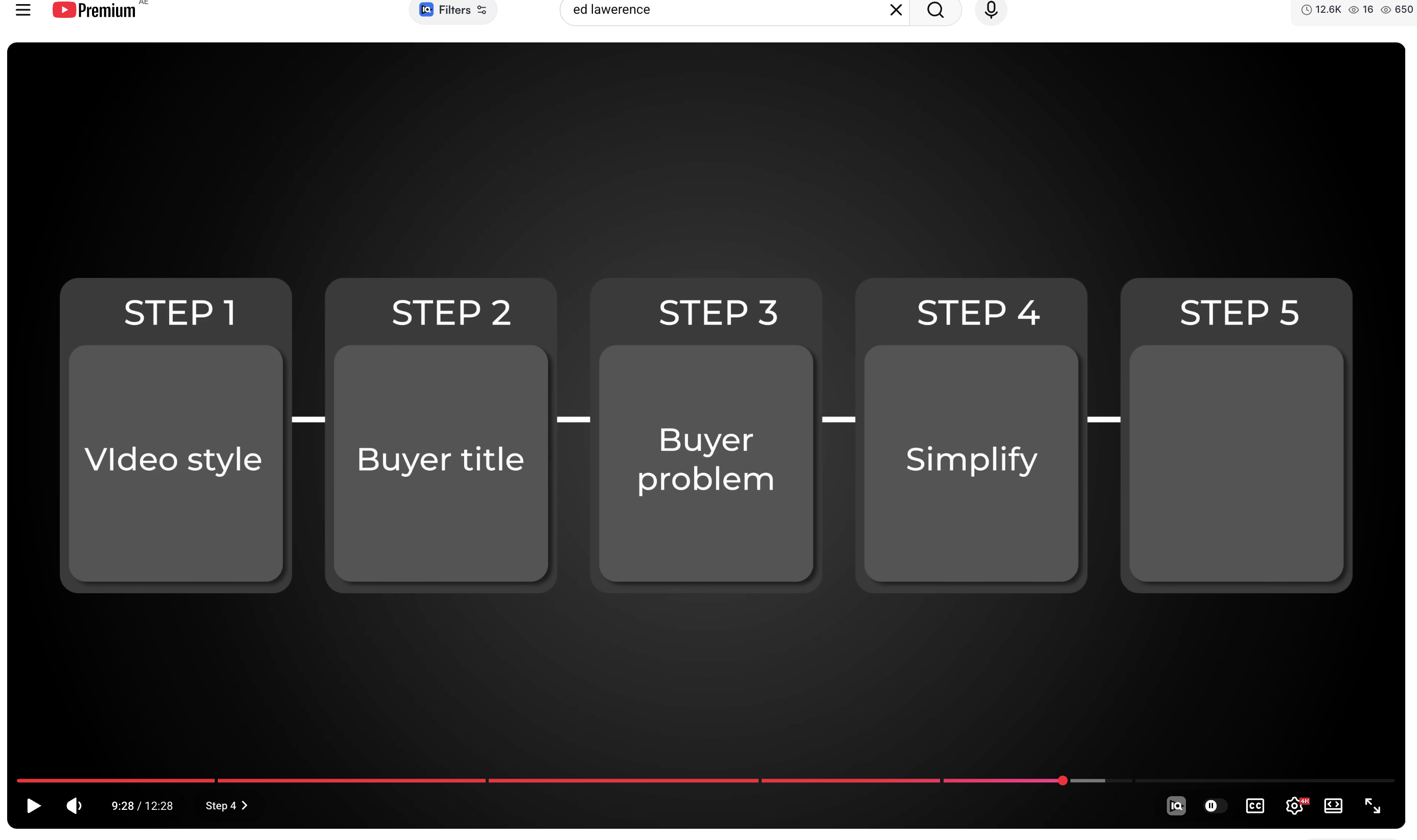
step_cards_titleStep Cards TitleTITLE
STEP 1
Video style
STEP 2
Buyer title
STEP 3
Buyer problem
STEP 4
STEP 5
Description
Progressive reveal — карточки шагов заполняются последовательно. Проводит зрителя через структуру видео.
When to use
Процесс из 3-7 шагов, нужно провести зрителя через контент.
Max text
7 карточек, 2-3 слова
Keywords
шагэтаппроцессзатем
Reference
timeline_titleTimeline TitleTITLE
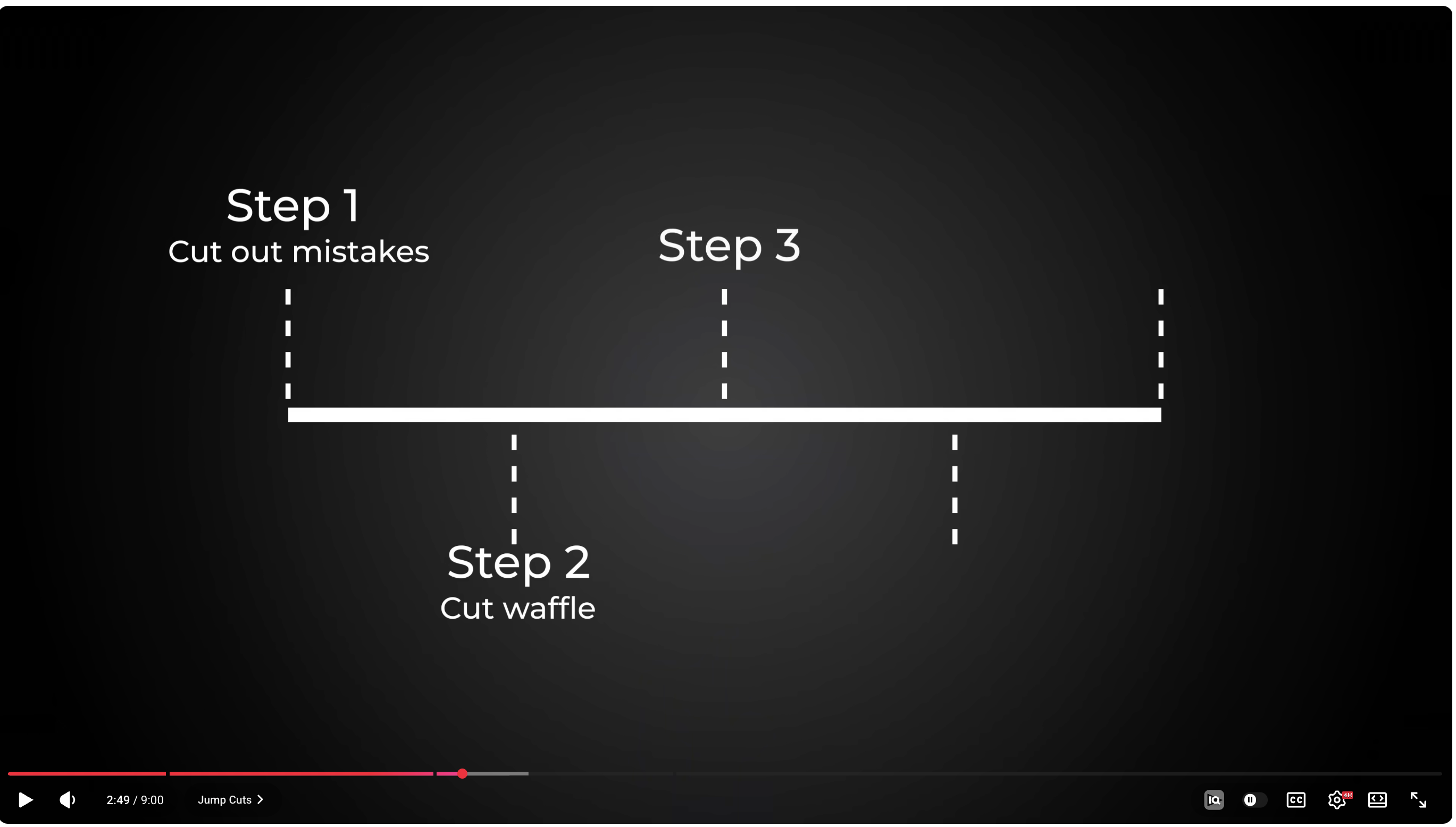
Step 1
Cut mistakes
Step 2
Cut waffle
Step 3
Add cuts
Step 4
B-roll
Step 5
Color
Description
Точка на таймлайне — горизонтальная линия с шагами. Рассказ истории или хронологии.
When to use
Рассказ истории, линейная последовательность событий/этапов.
Max text
3-5 шагов, 2-3 слова
Keywords
сначалапотомпослепоследовательностьистория
Reference
talking_headTalking Head
Description
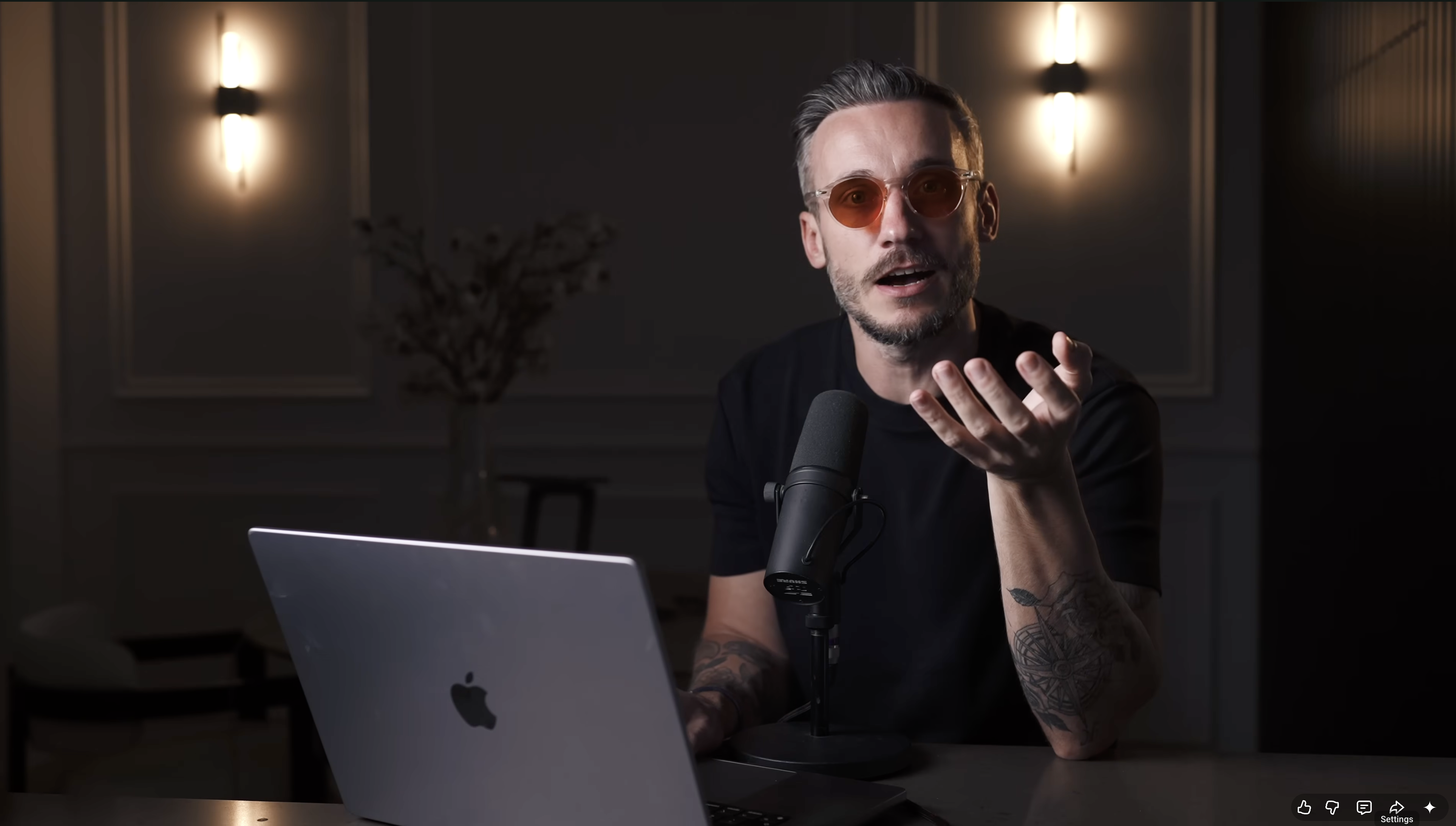
Чистый кадр спикера без оверлеев. Самый сильный тип для эмоционального воздействия.
When to use
Hook, эмоциональные моменты, личные истории.
Max text
0 — экран полностью чистый
Keywords
hookисторияличный опытэмоция
Reference
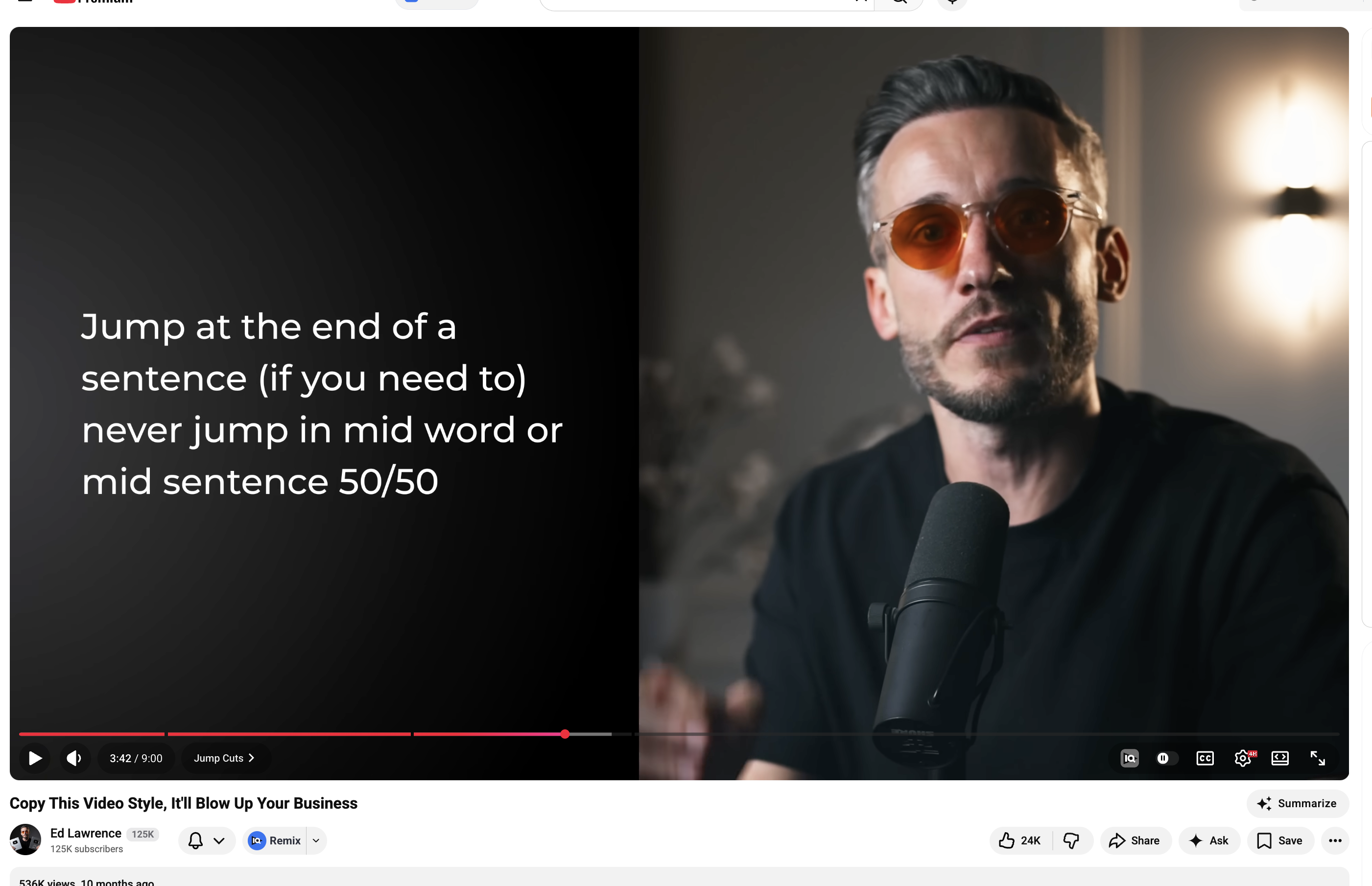
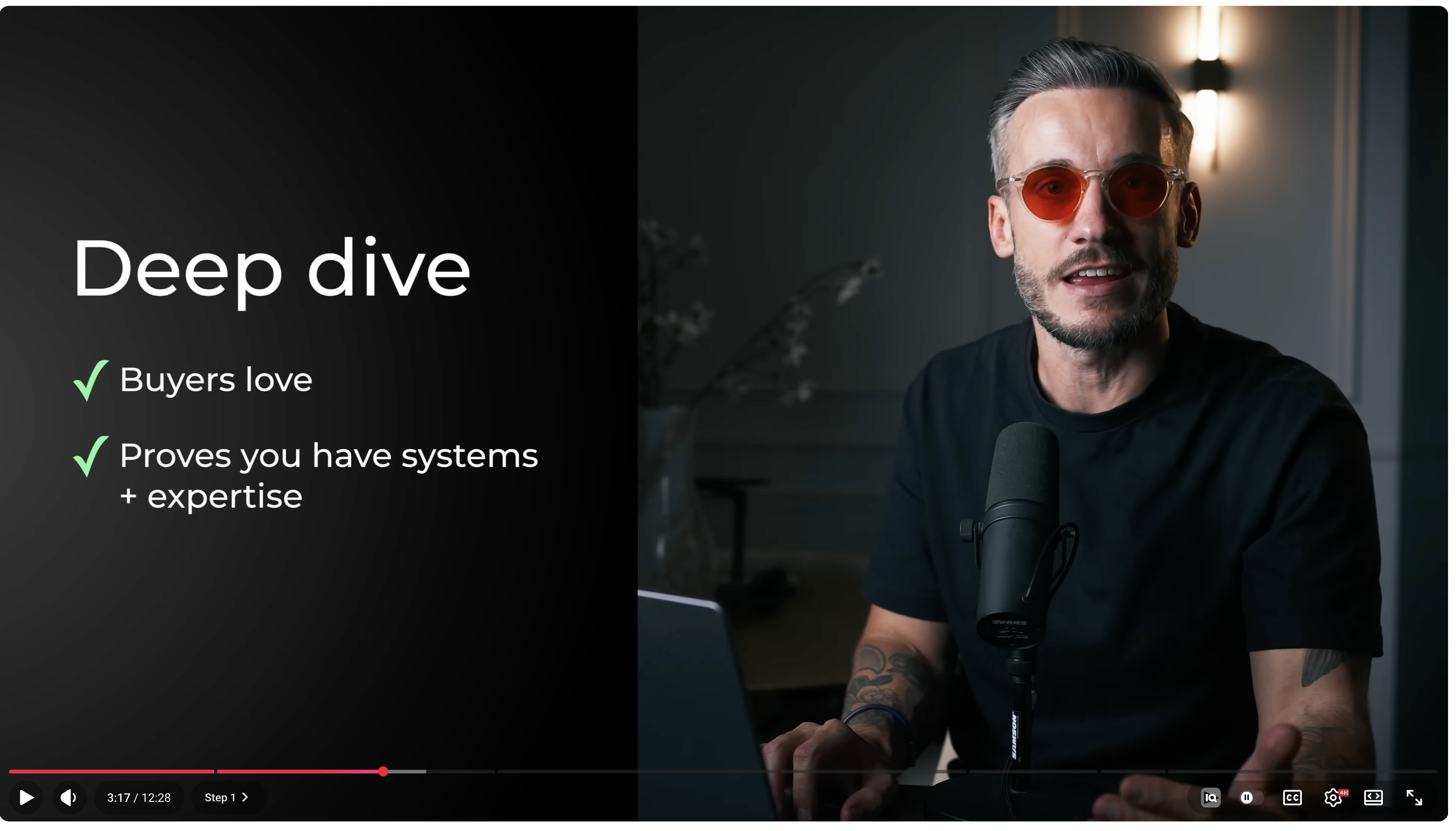
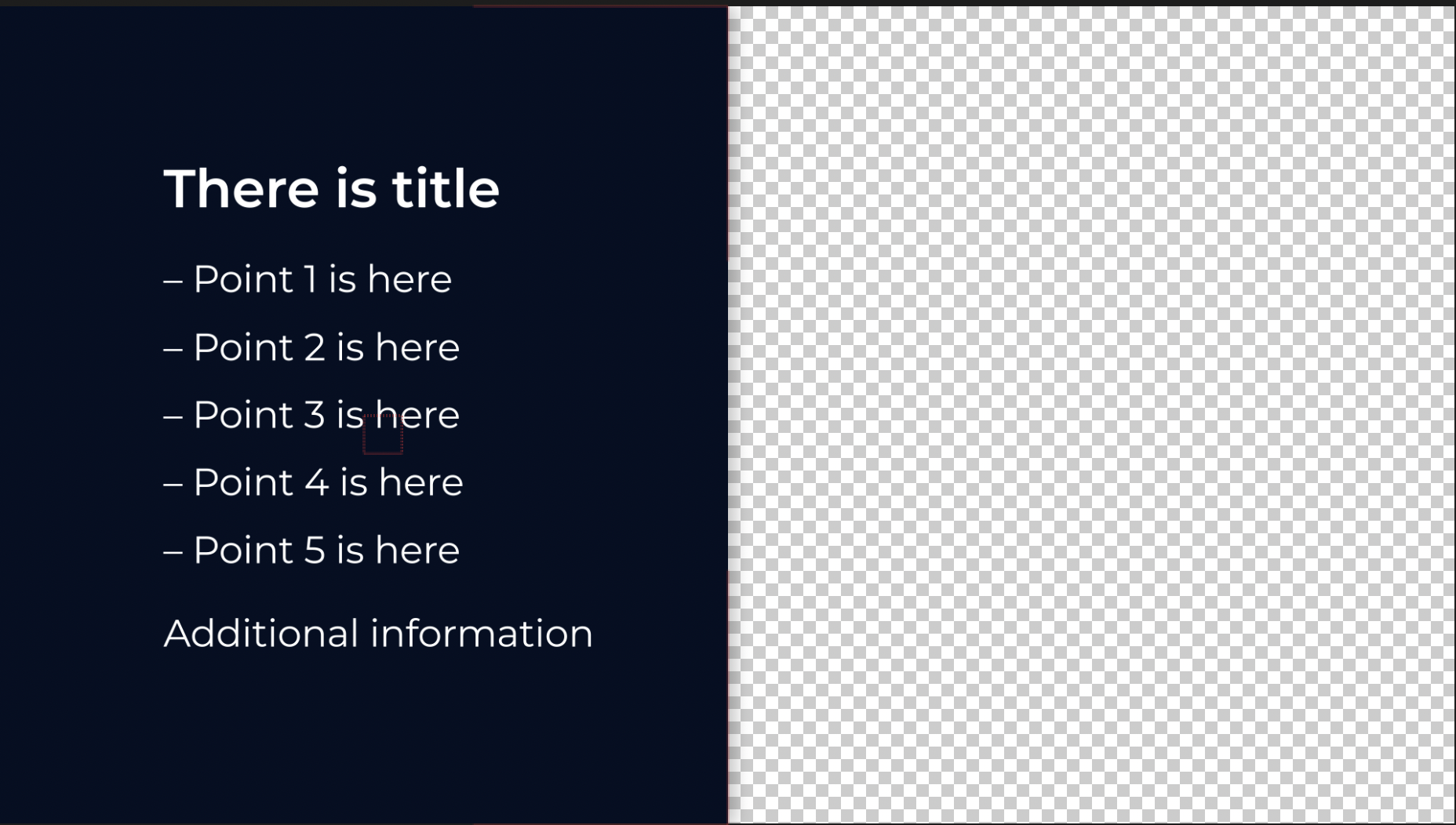
side_slide_textSide Slide — Text
Deep dive
- Buyers love
- Proves you have systems
- Shows expertise
- Builds authority
Additional information
Description
Текст слева (55%), спикер справа (45%).
When to use
Объяснение с 3-6 пунктами.
Max text
Заголовок + 5 bullet points
Keywords
преимуществавключаетпотому чтопричины
Reference
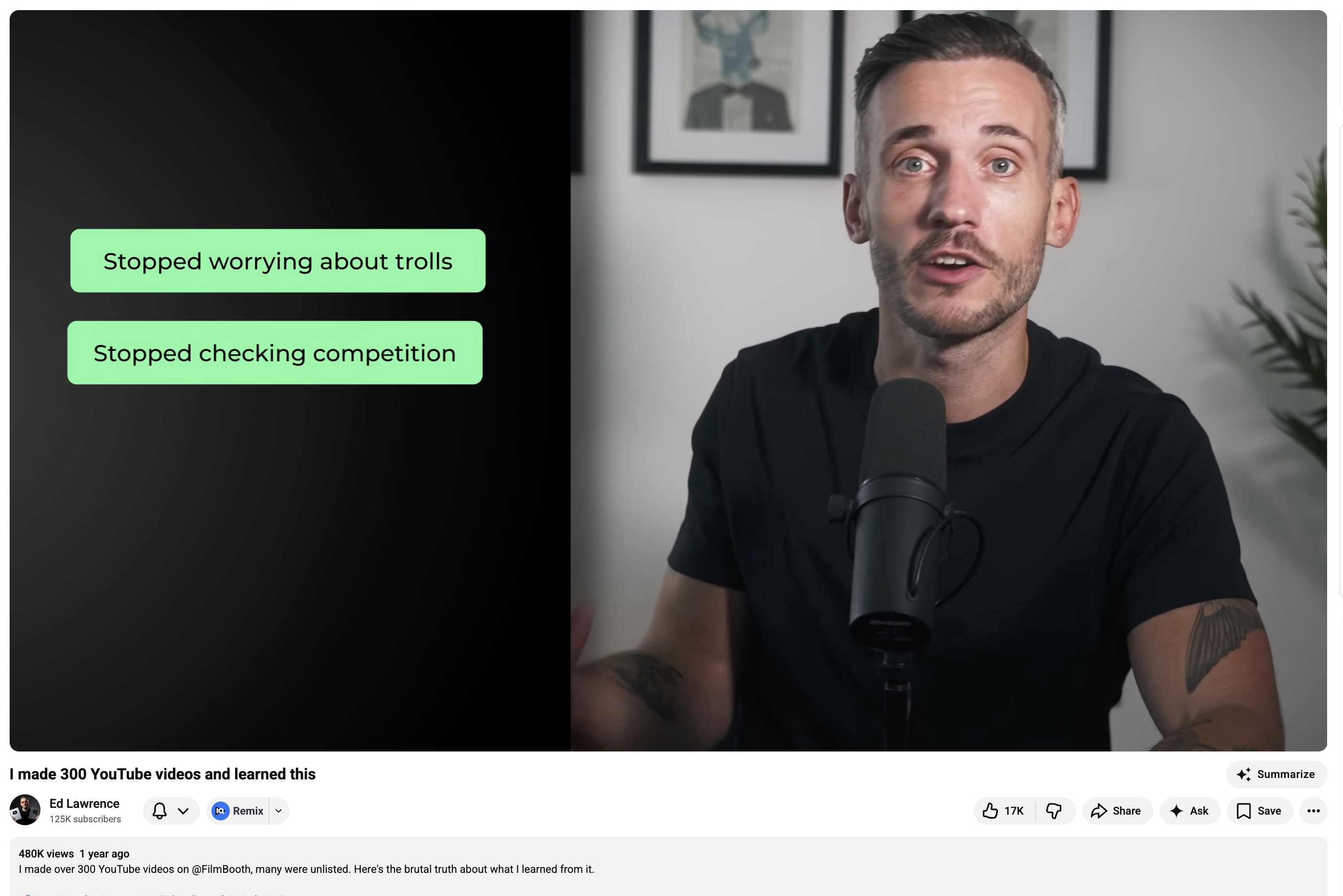
side_slide_pillsSide Slide — Pills
Stopped worrying about trolls
Stopped checking competition
Focused on process
Description
Цветные pill-метки слева + спикер справа.
When to use
Краткие выводы, takeaways.
Max text
4 pills, каждый до 4 слов
Keywords
пересталначалглавноевывод
Reference
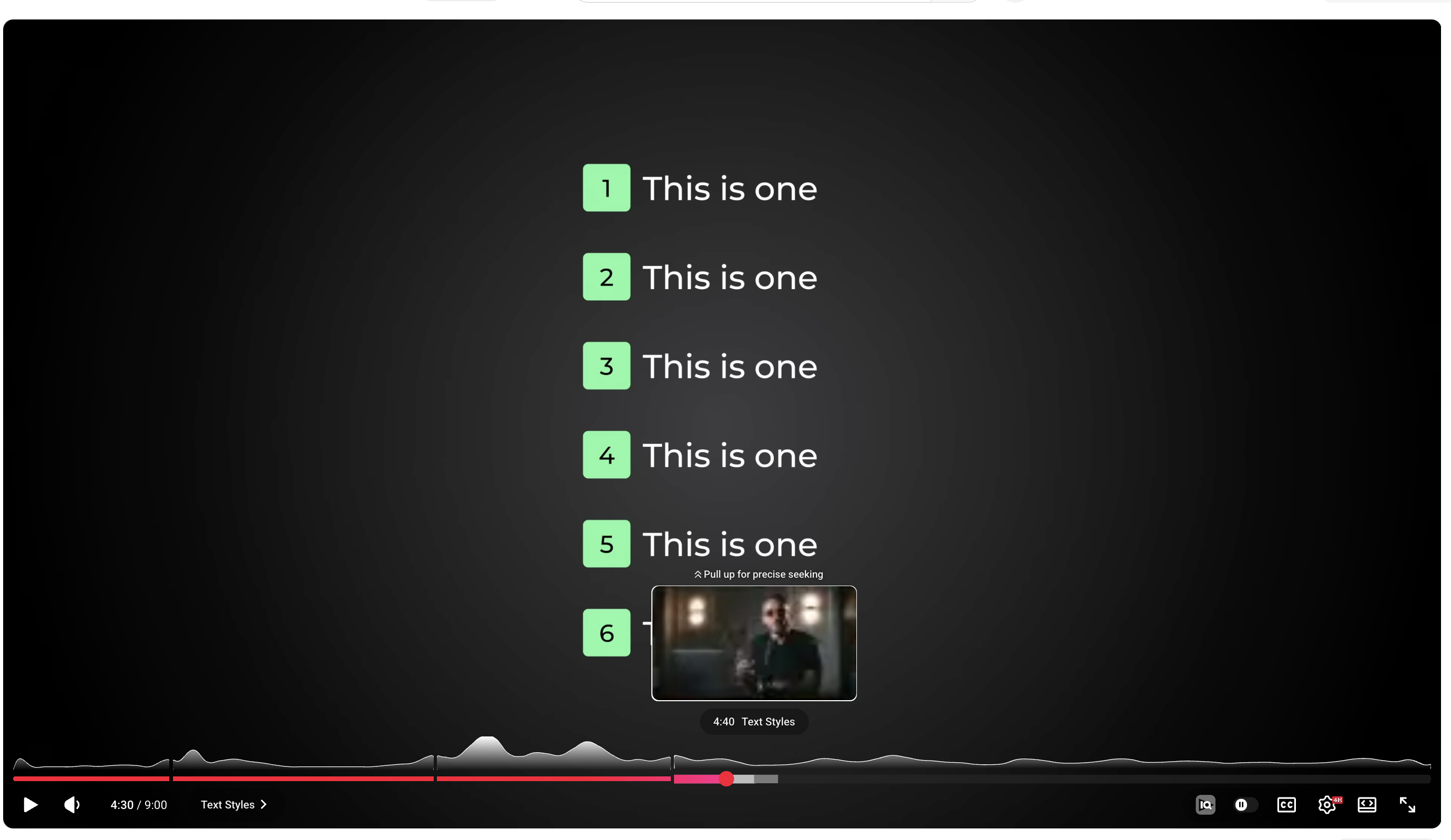
numbered_listNumbered List
1This is one
2This is two
3This is three
4This is four
5This is five
Description
Вертикальный список с нумерованными бейджами. Без спикера.
When to use
Перечисление 3-8 пунктов.
Max text
8 строк, каждая до 5 слов
Keywords
списокправилапунктыкритерии
Reference
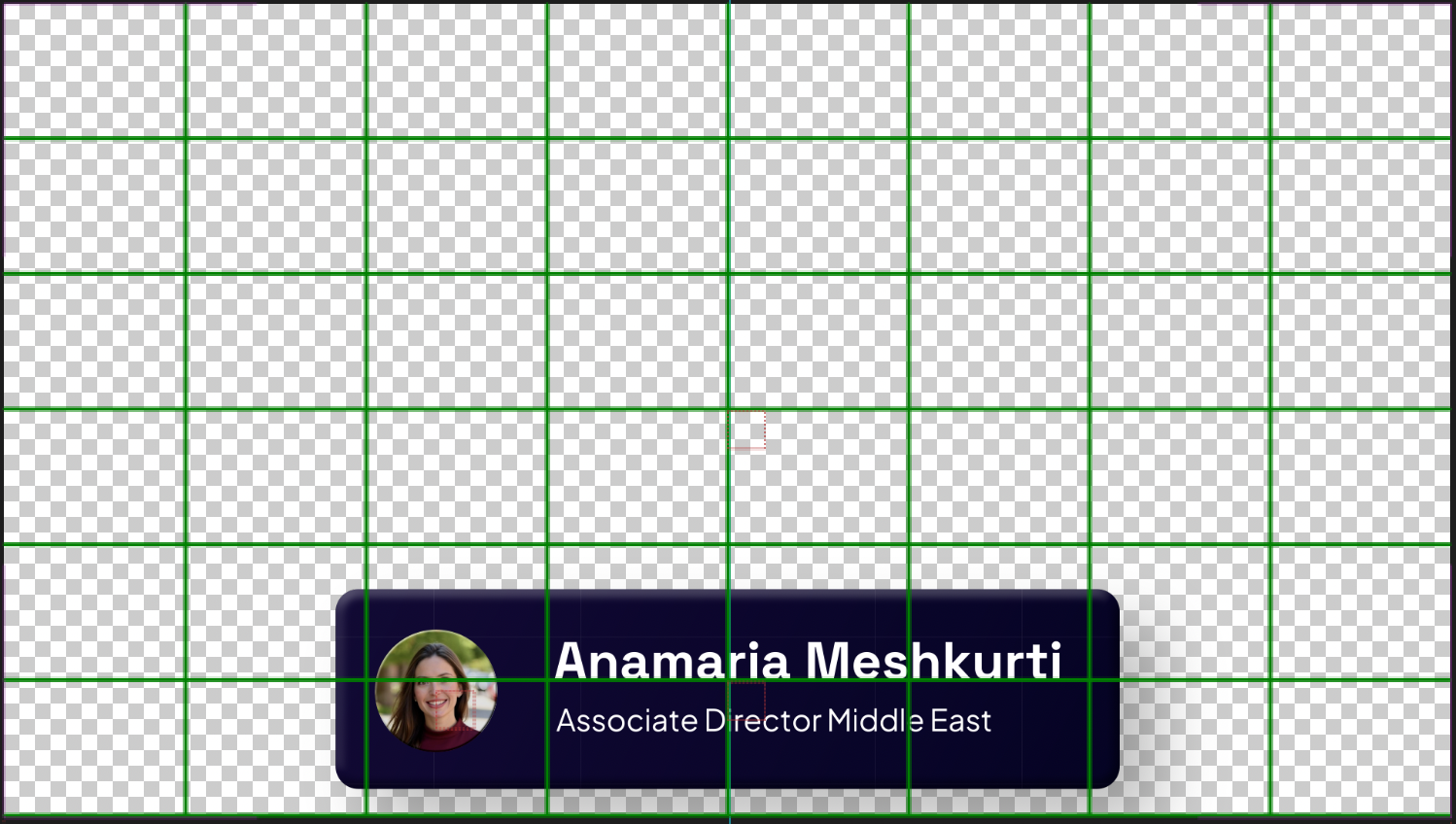
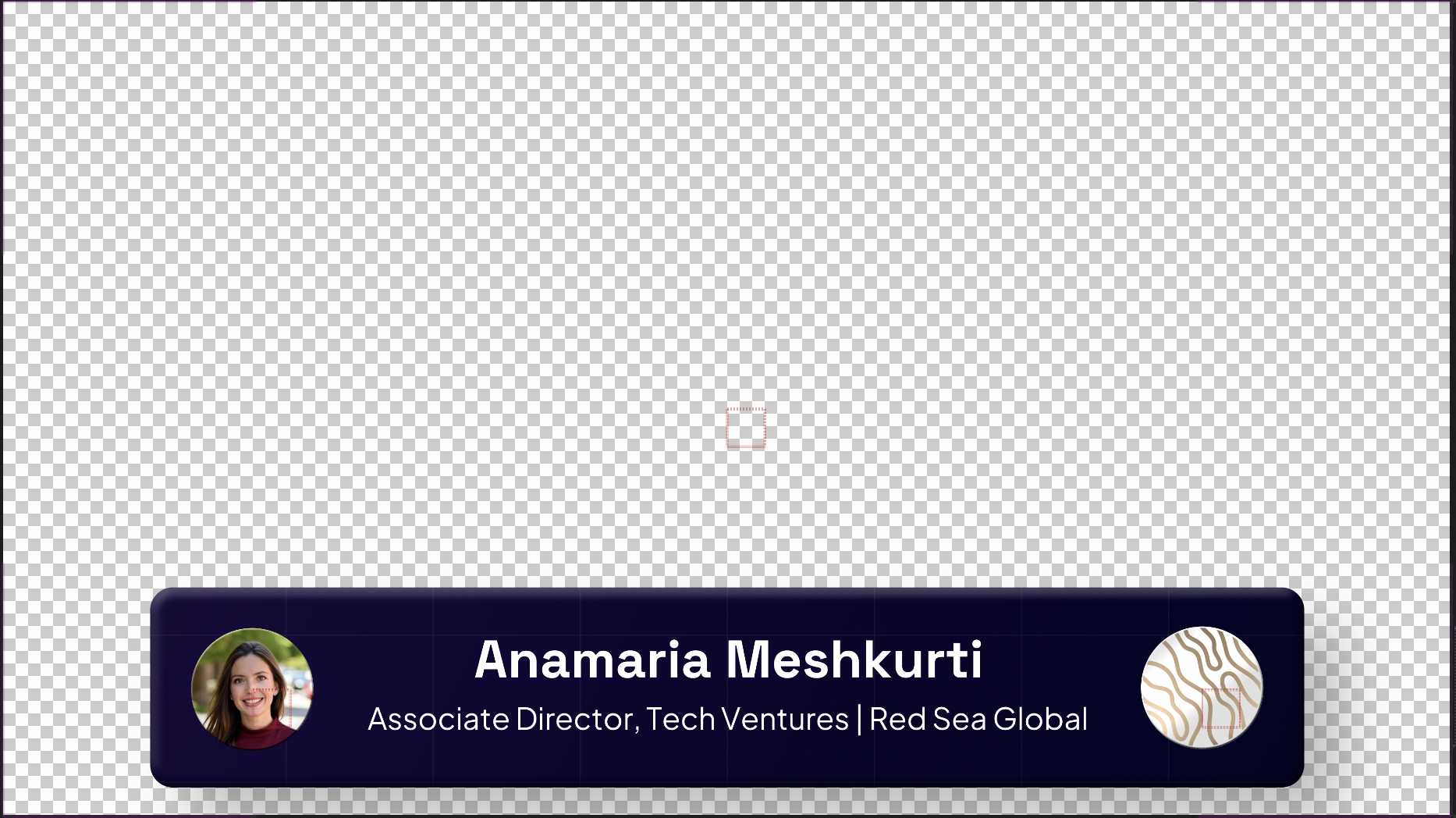
speaker_introSpeaker Intro
Description
Плашка представления: фото + имя + должность/компания.
When to use
Первое появление спикера или гостя в видео.
Max text
Имя + должность/компания (2 строки)
Keywords
представлениегостьэкспертспикер
Reference
B3 types
Progress
Индикаторы прогресса и позиции в процессе
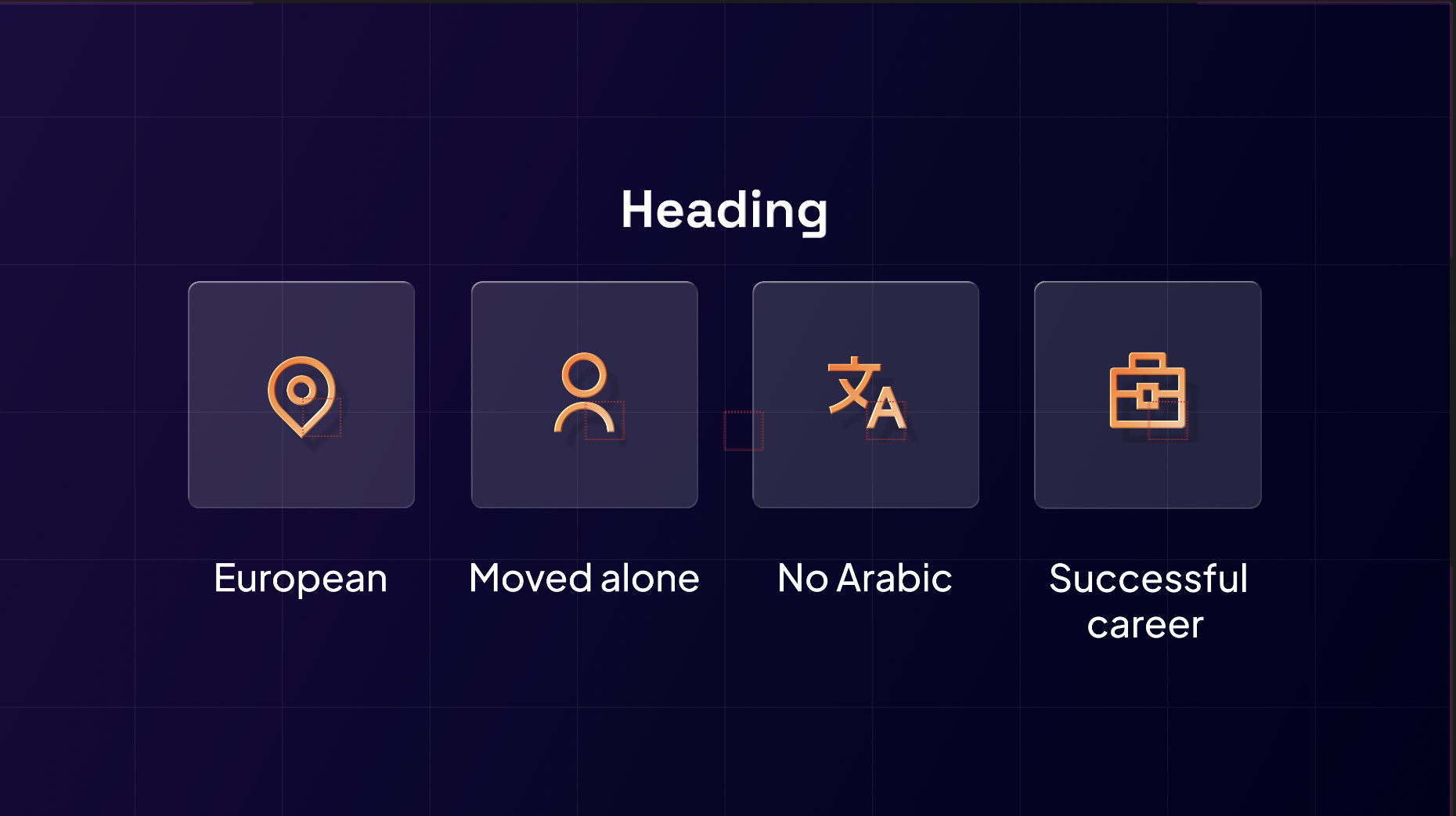
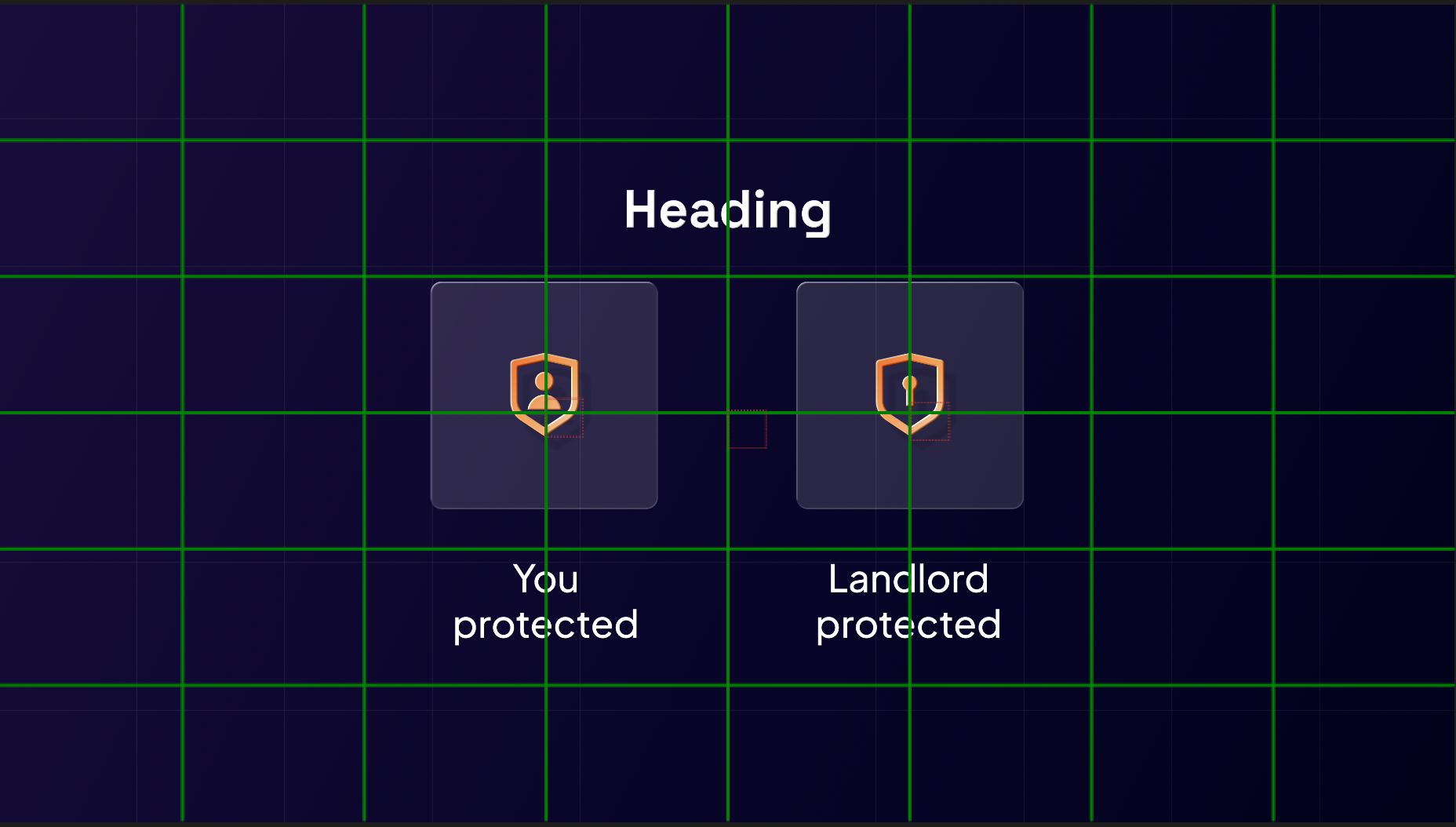
icon_gridIcon Grid
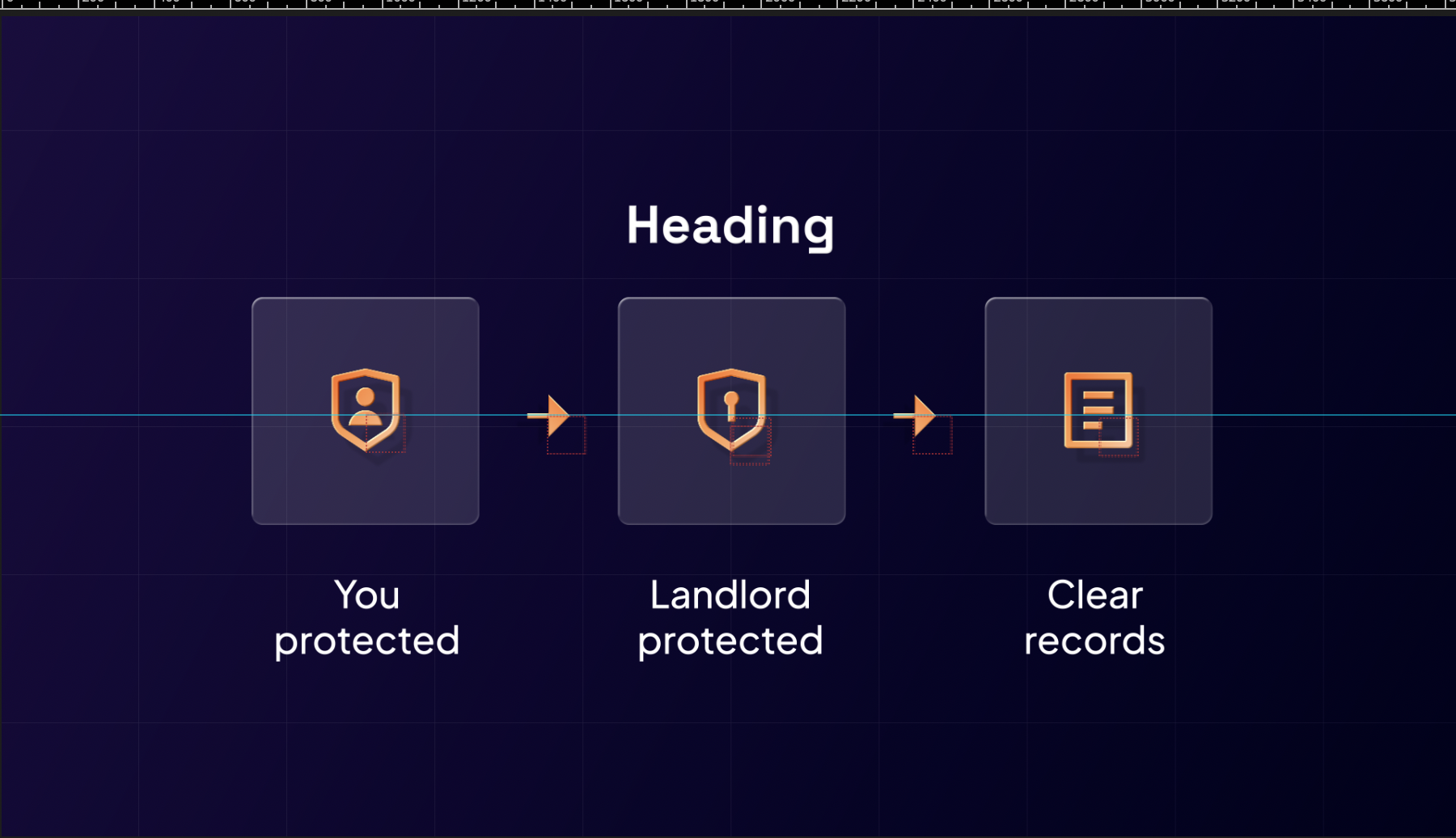
Heading
You
protected
protected
Landlord
protected
protected
Clear
records
records
Description
Заголовок + 2-4 карточки с иконками. Fullscreen.
When to use
Перечисление концепций/преимуществ с визуальными иконками.
Max text
Заголовок + 2-4 карточки, 1-2 слова
Keywords
преимуществавключаеттри вещиосновные
Reference

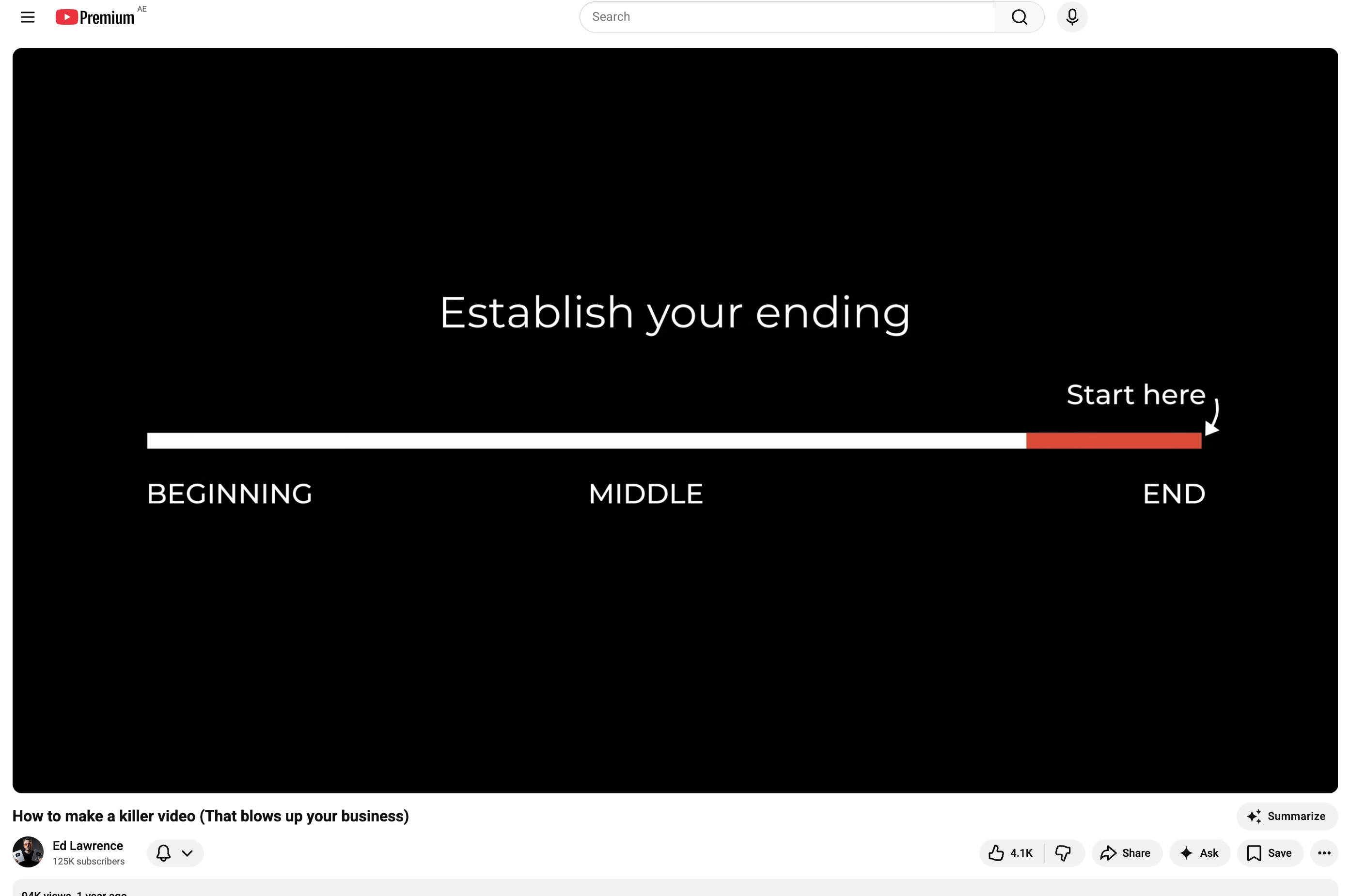
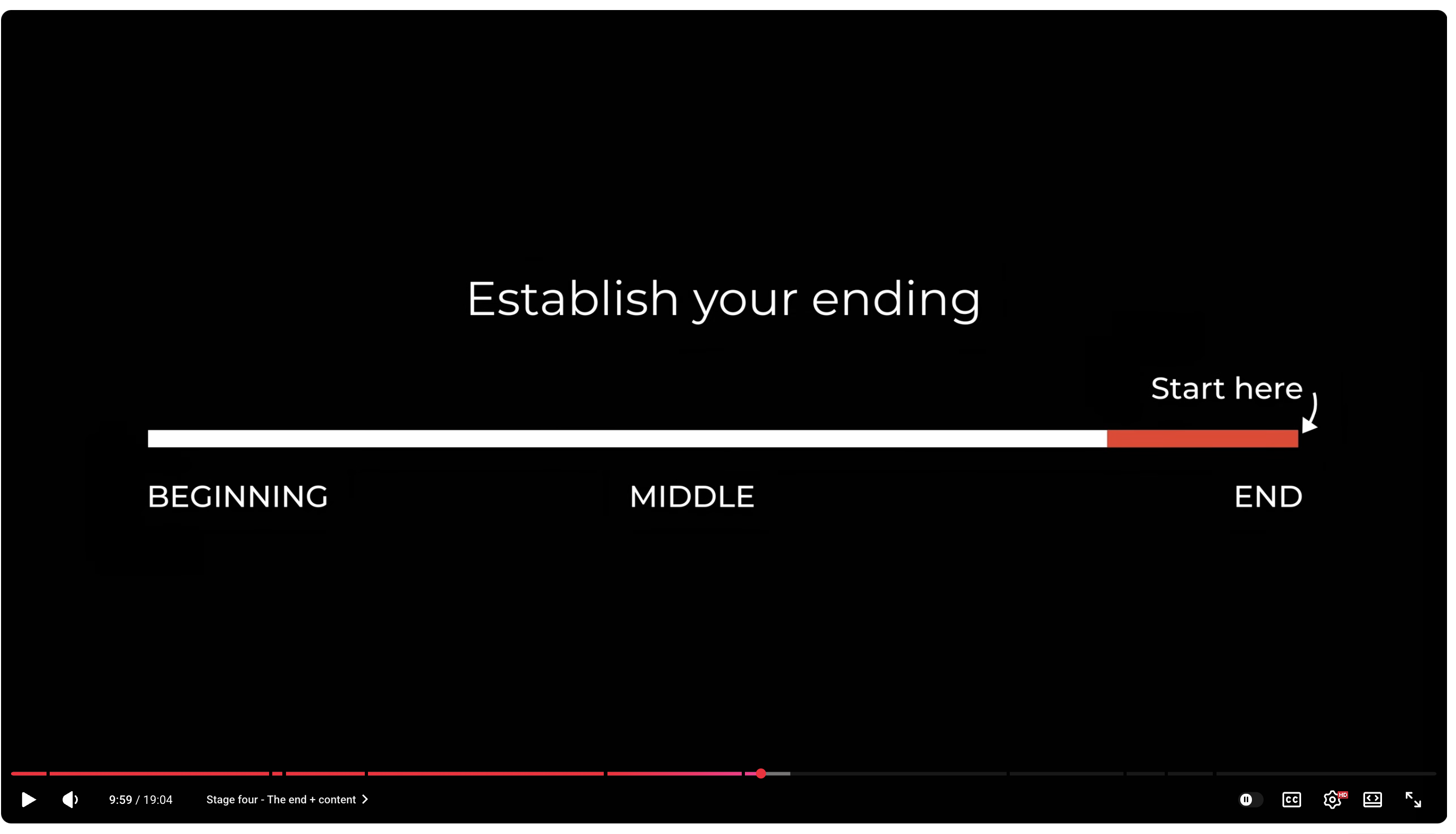
progress_barProgress Bar
Establish your ending
Start here ↓
BEGINNINGMIDDLEEND
Description
Линейный прогресс с метками и указателем.
When to use
Показать позицию "мы здесь".
Max text
3-4 метки + заголовок
Keywords
началосерединаконецпозиция
Reference
C2 types
Diagrams
Диаграммы, схемы, потоки
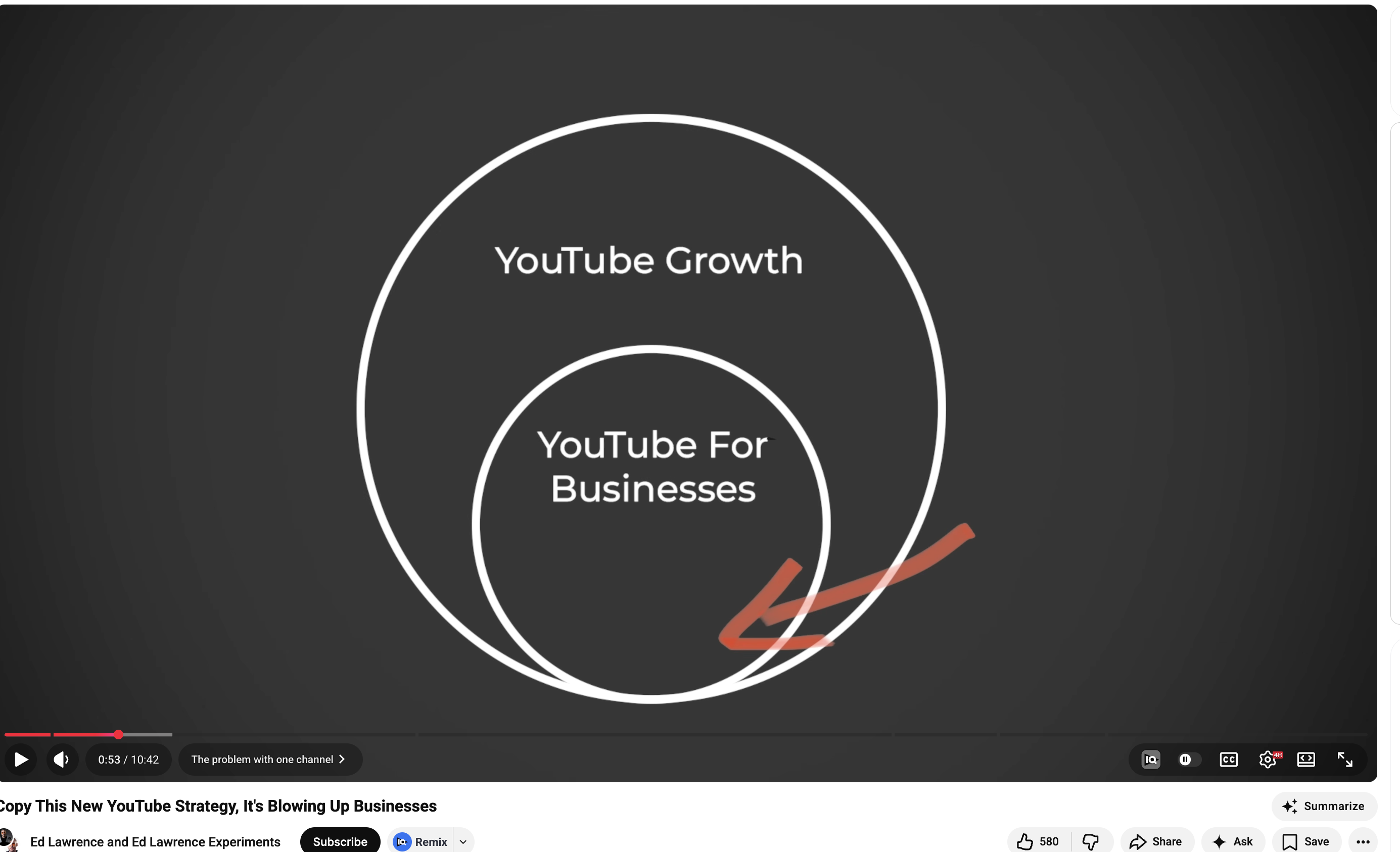
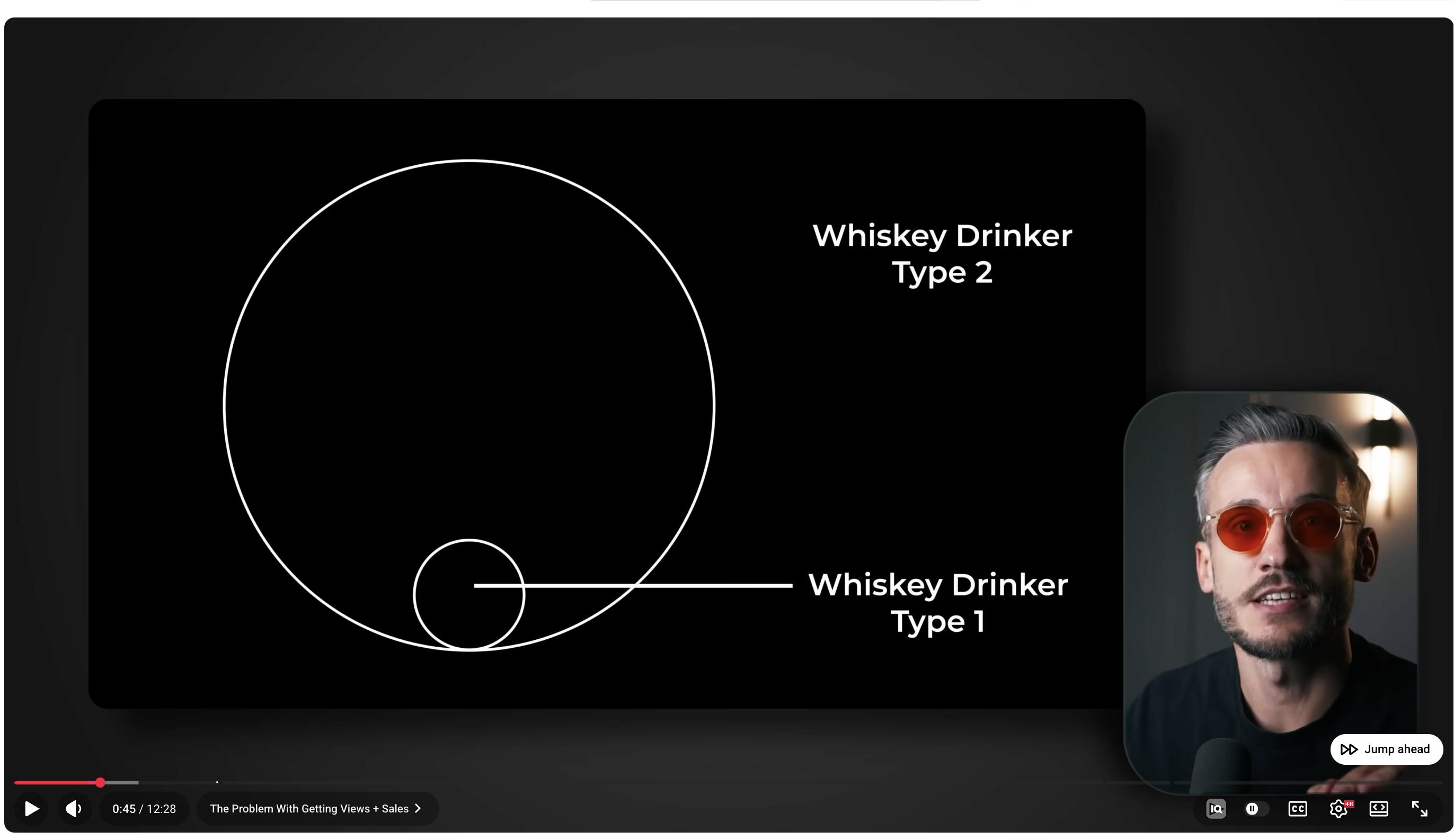
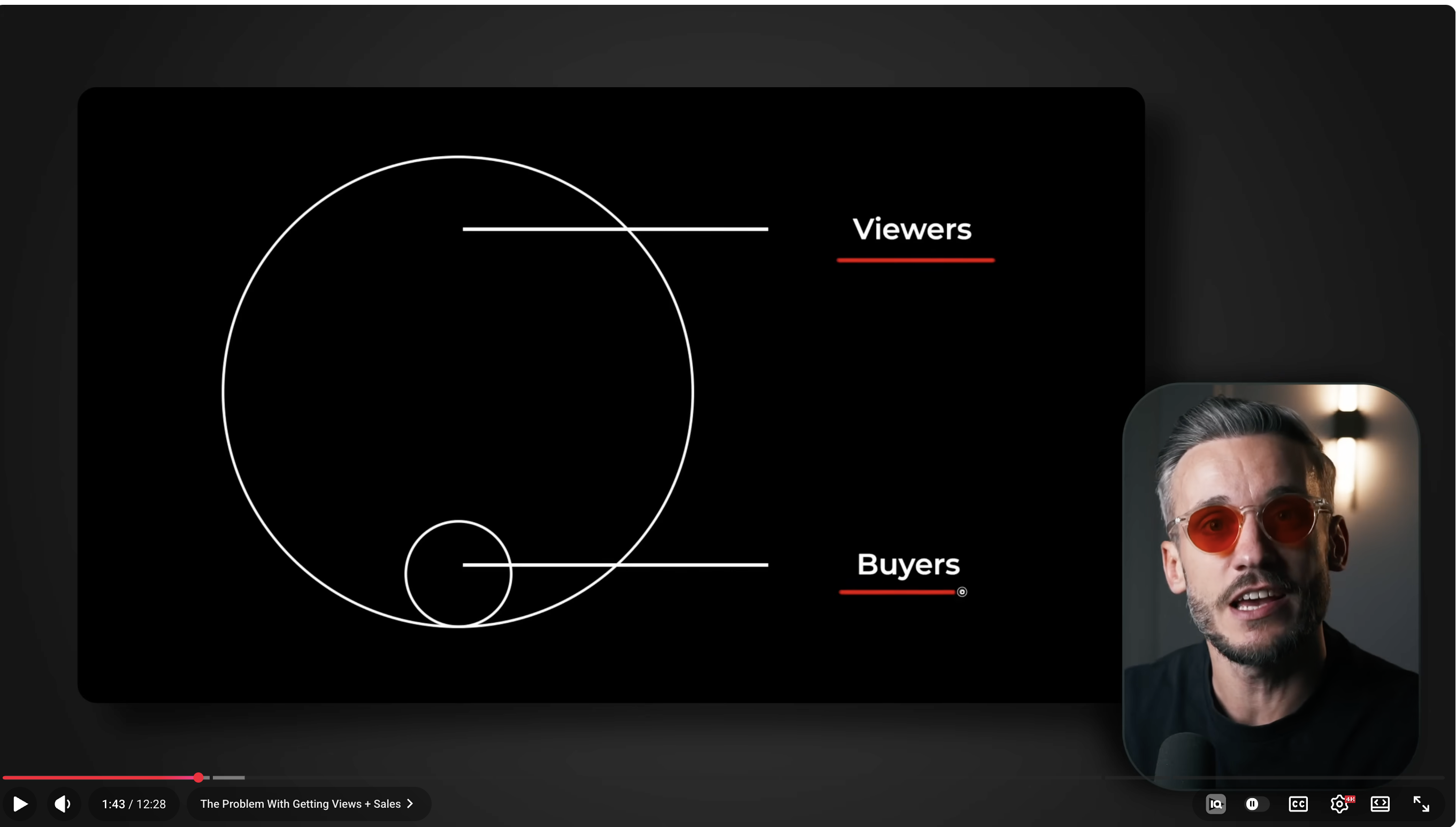
circle_diagramCircle / Venn
Viewers
Buyers
Description
Вложенные круги с подписями + PIP спикера в углу.
When to use
Отношения часть-целое, масштаб, аудитории.
Max text
2-3 круга, 1-2 слова подпись
Keywords
частьвключаетаудиториябольше/меньше
Reference
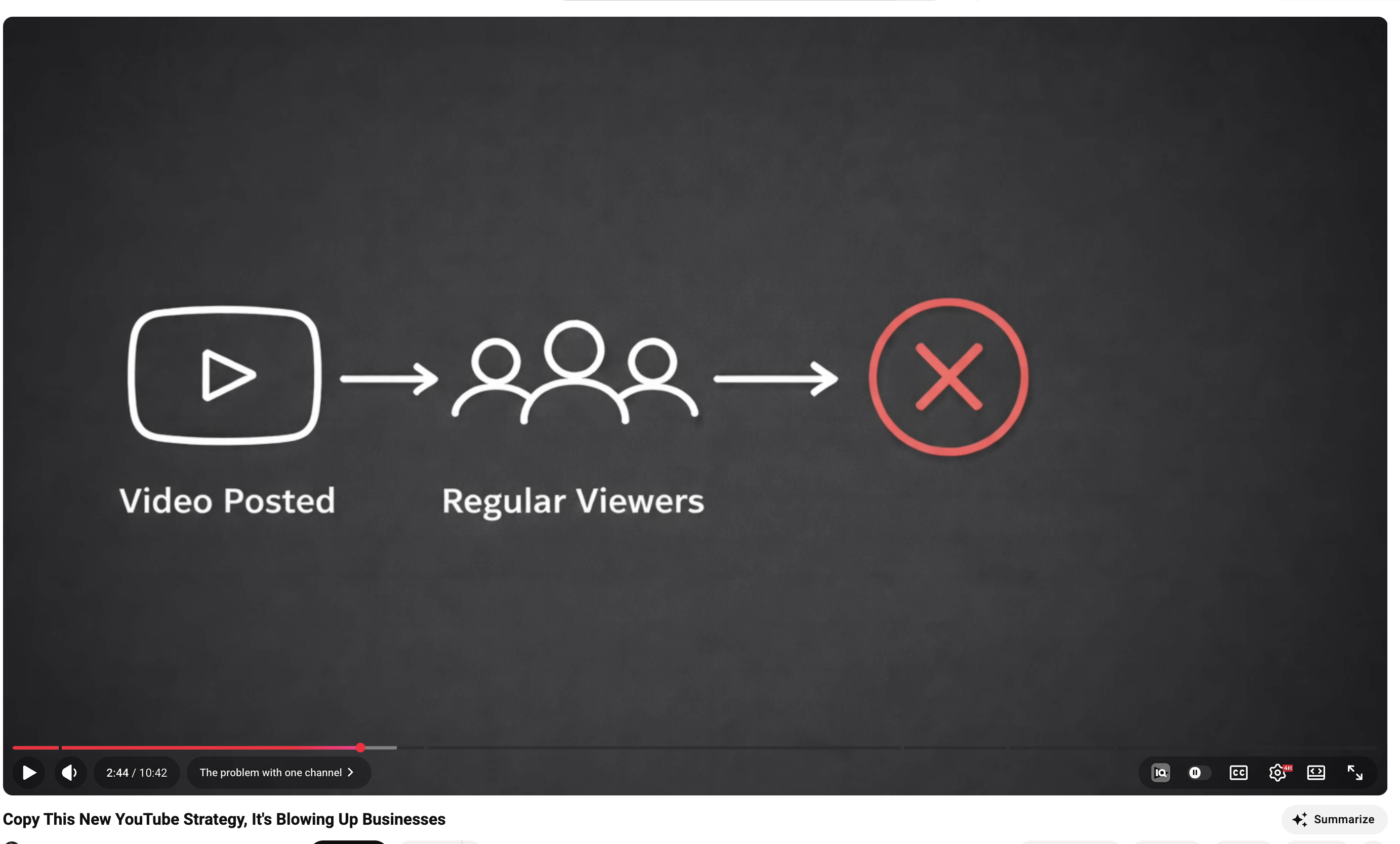
flow_processFlow / Process
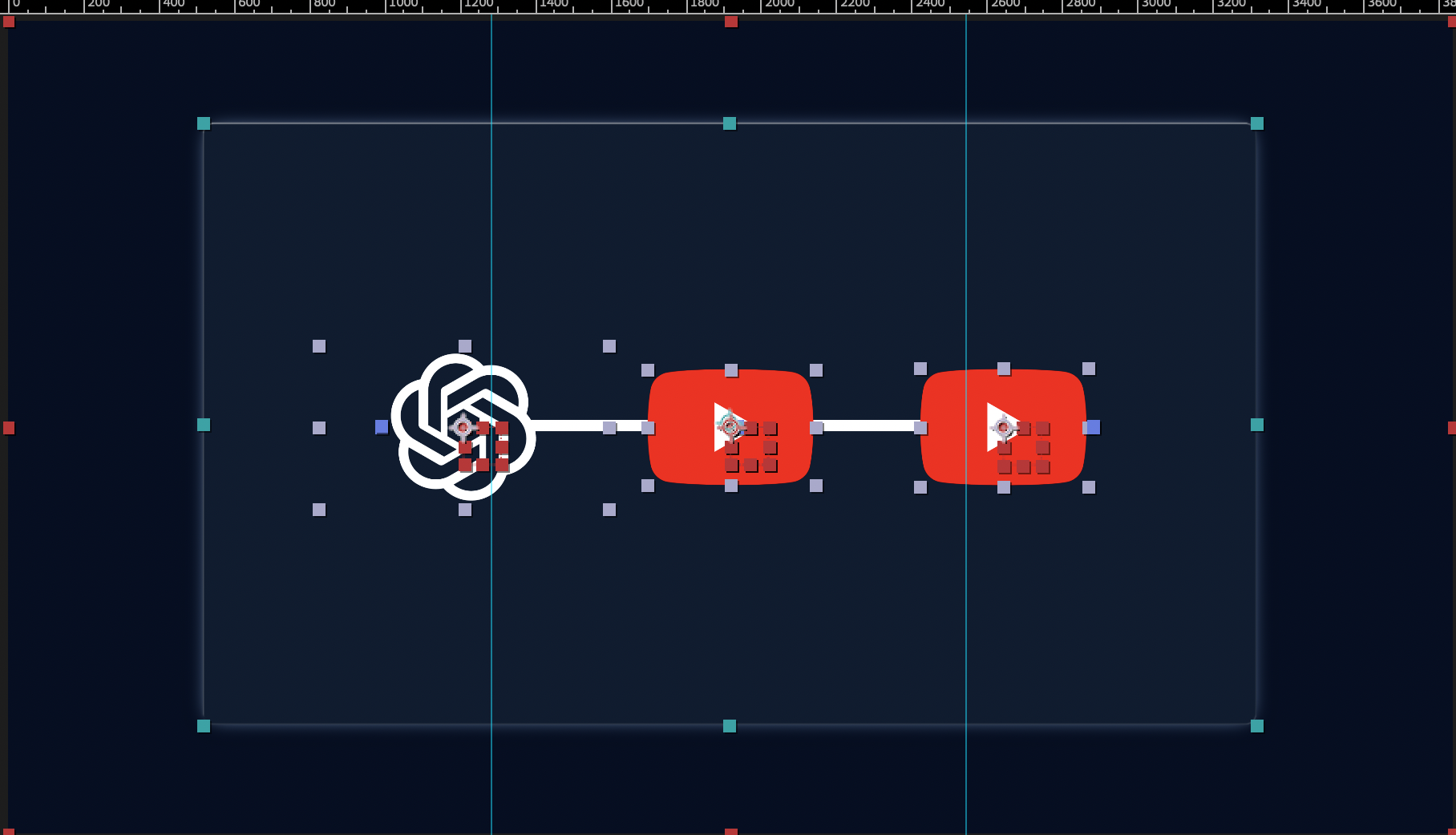
Video
Posted
→Posted
Regular
Viewers
→Viewers
×
Description
Блоки со стрелками: A → B → C. Показывает путь/процесс.
When to use
Причина-следствие, воронка, маршрут.
Max text
3-5 блоков, 1-2 слова
Keywords
приводит кведёт кворонкамаршрут
Reference
D4 types
Data & Charts
Графики, сравнения, расчёты
chart_curveChart — Curve
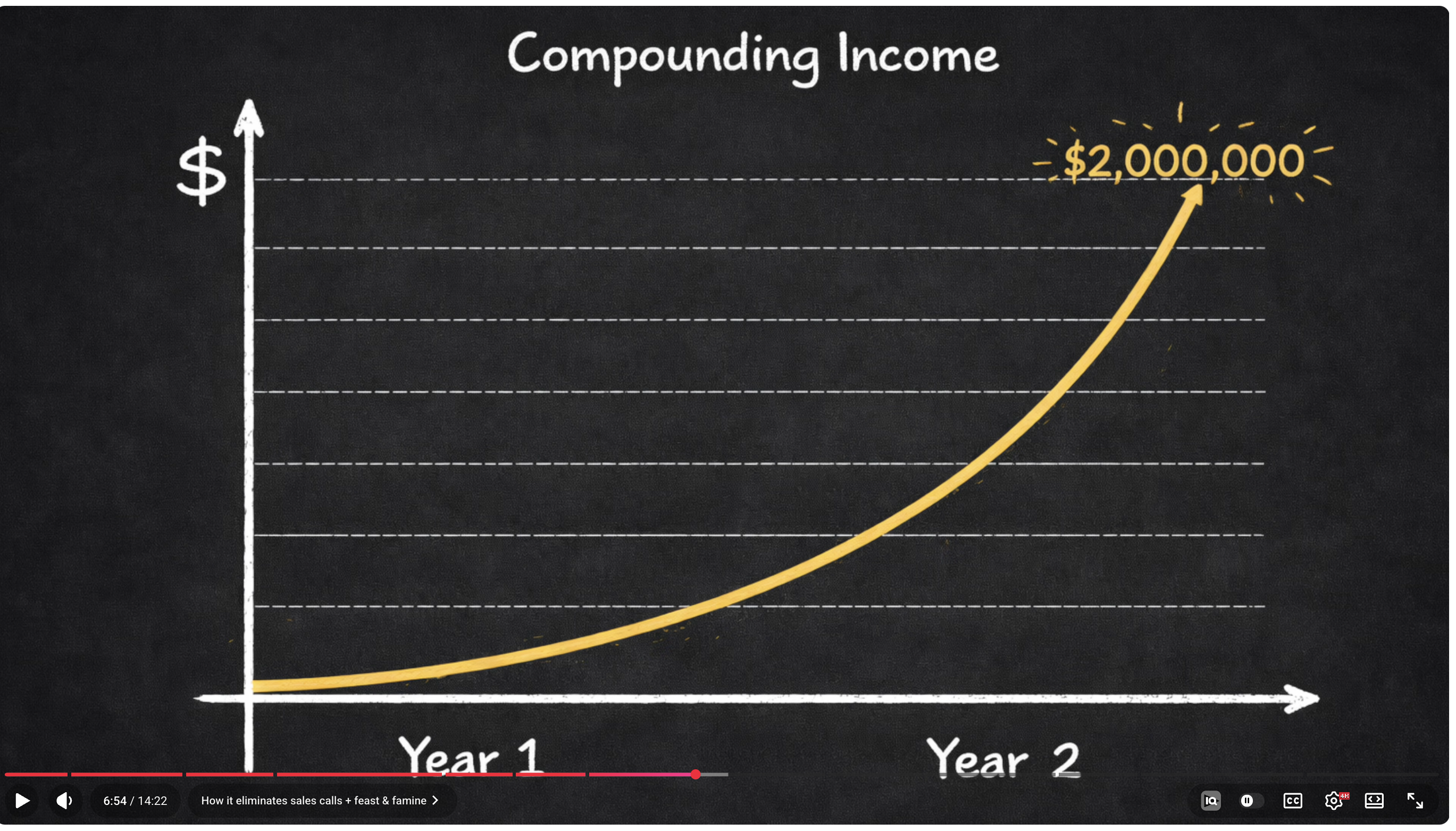
Compounding Income
$48,754Final balance
$38,754Interest earned
4.9×Total growth
$
$50k
Yr 0Yr 5Yr 10Yr 15Yr 20
Compound Simple Principal
Description
Инфографика с кривой роста. Статистика сверху + SVG график + легенда.
When to use
Тренд во времени, экспоненциальный рост, сложный процент.
Max text
Заголовок + статы + метки осей + легенда
Keywords
ростпадениетренддоходпроцент
Reference
chart_barsChart — Bars
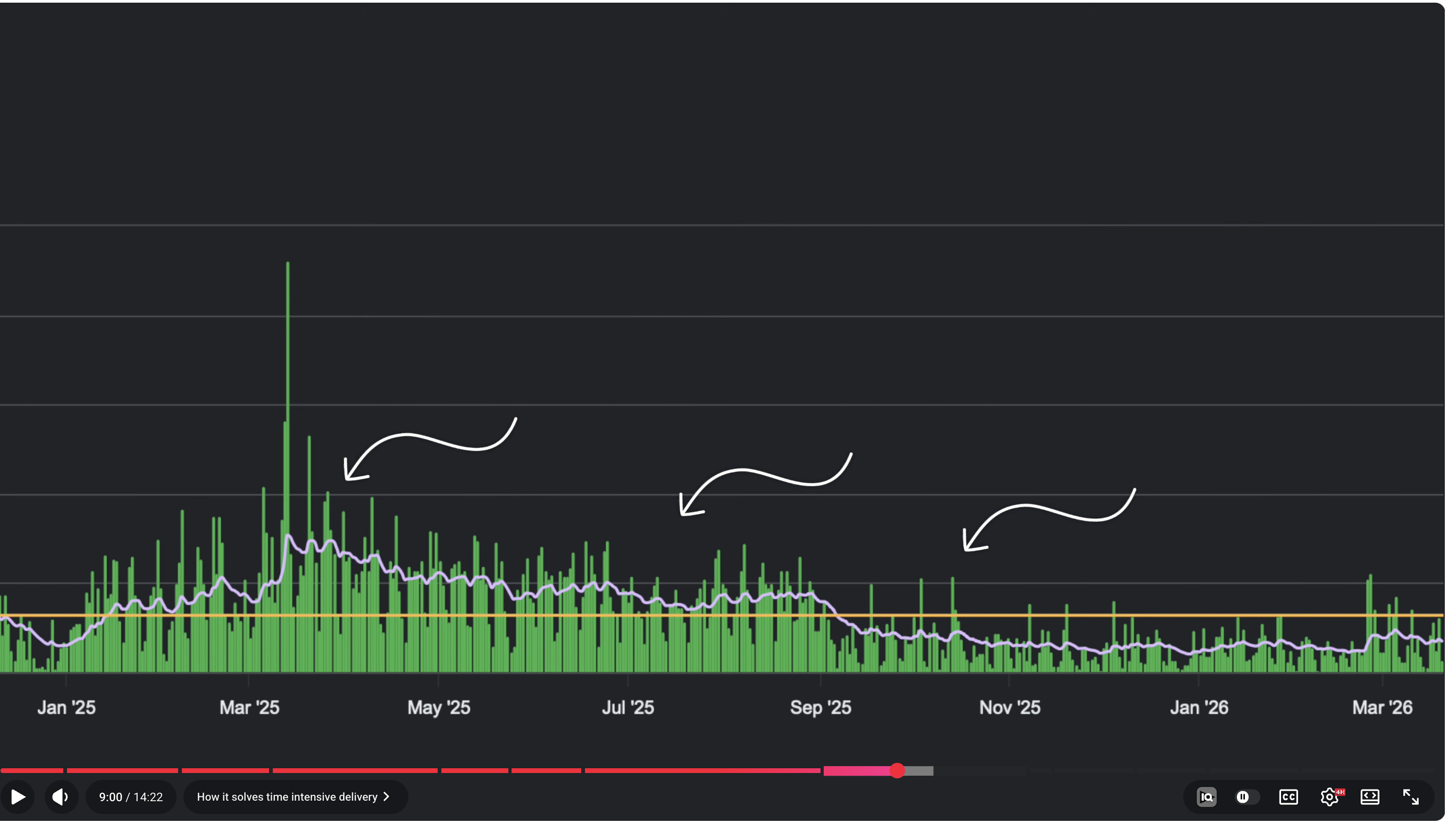
JanFebMarAprMayJunJulAugSepOct
Description
Столбчатая диаграмма с временной шкалой.
When to use
Сравнение по периодам, аналитика.
Max text
6-12 столбцов, подписи
Keywords
статистикапо месяцамданные
Reference
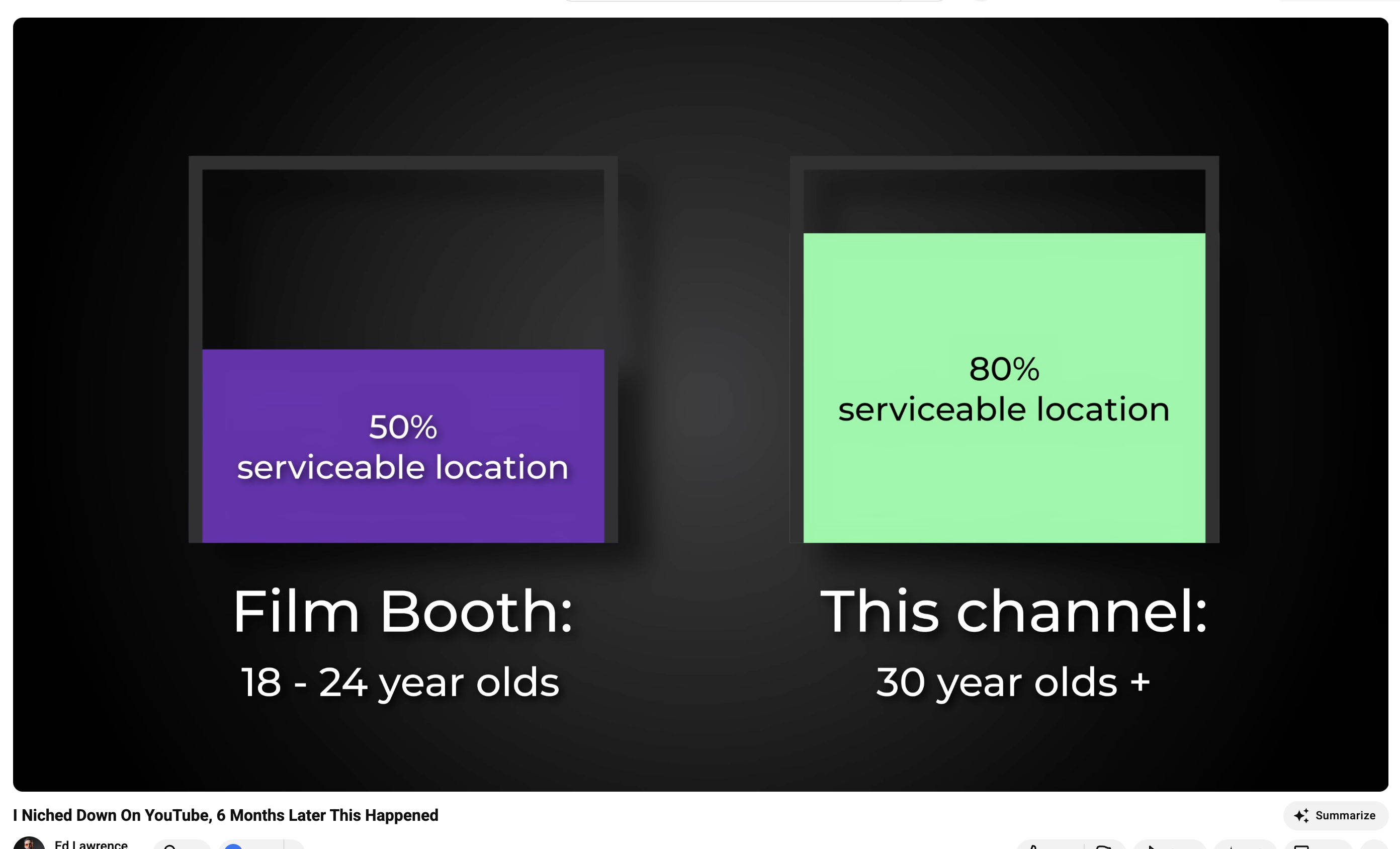
comparisonComparison
Film Booth
18-24 year olds
This channel
30 year olds +
Description
Два объекта рядом с разными цветами. A vs B.
When to use
A vs B, до/после, плохо/хорошо.
Max text
2 варианта, 3-4 строки
Keywords
vsсравнениеразницадо/после
Reference
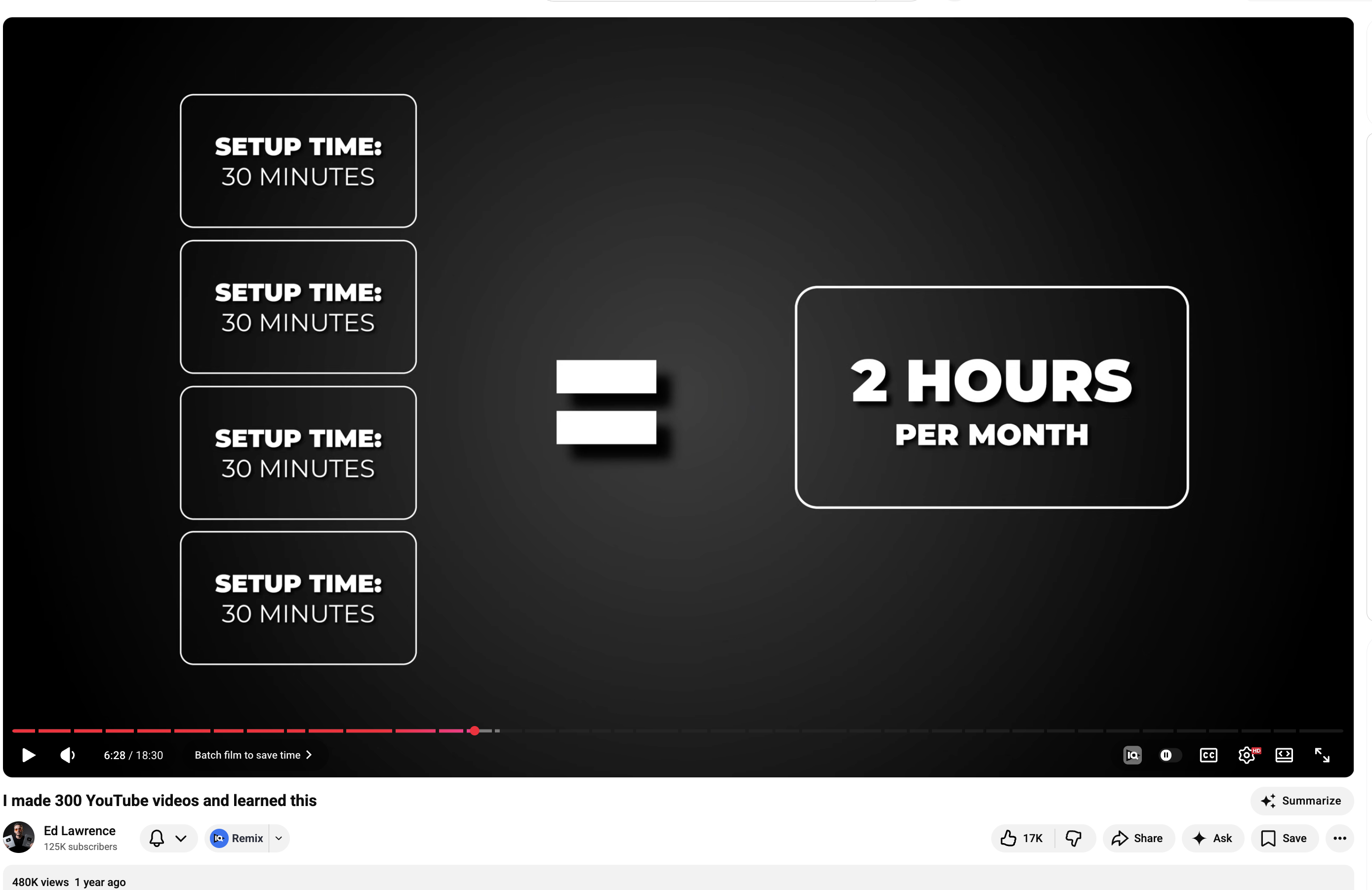
math_equationMath / Equation
Setup: 30 min
Setup: 30 min
Setup: 30 min
Setup: 30 min
=
2 HOURSper month
Description
Визуальная арифметика. Стопка блоков = итог.
When to use
Расчёт, демонстрация выгоды числами.
Max text
2-6 элементов + 1 итог
Keywords
равноитогов суммеэкономия
Reference
E2 types
Rich Media
Метафоры, анимации, карты видео
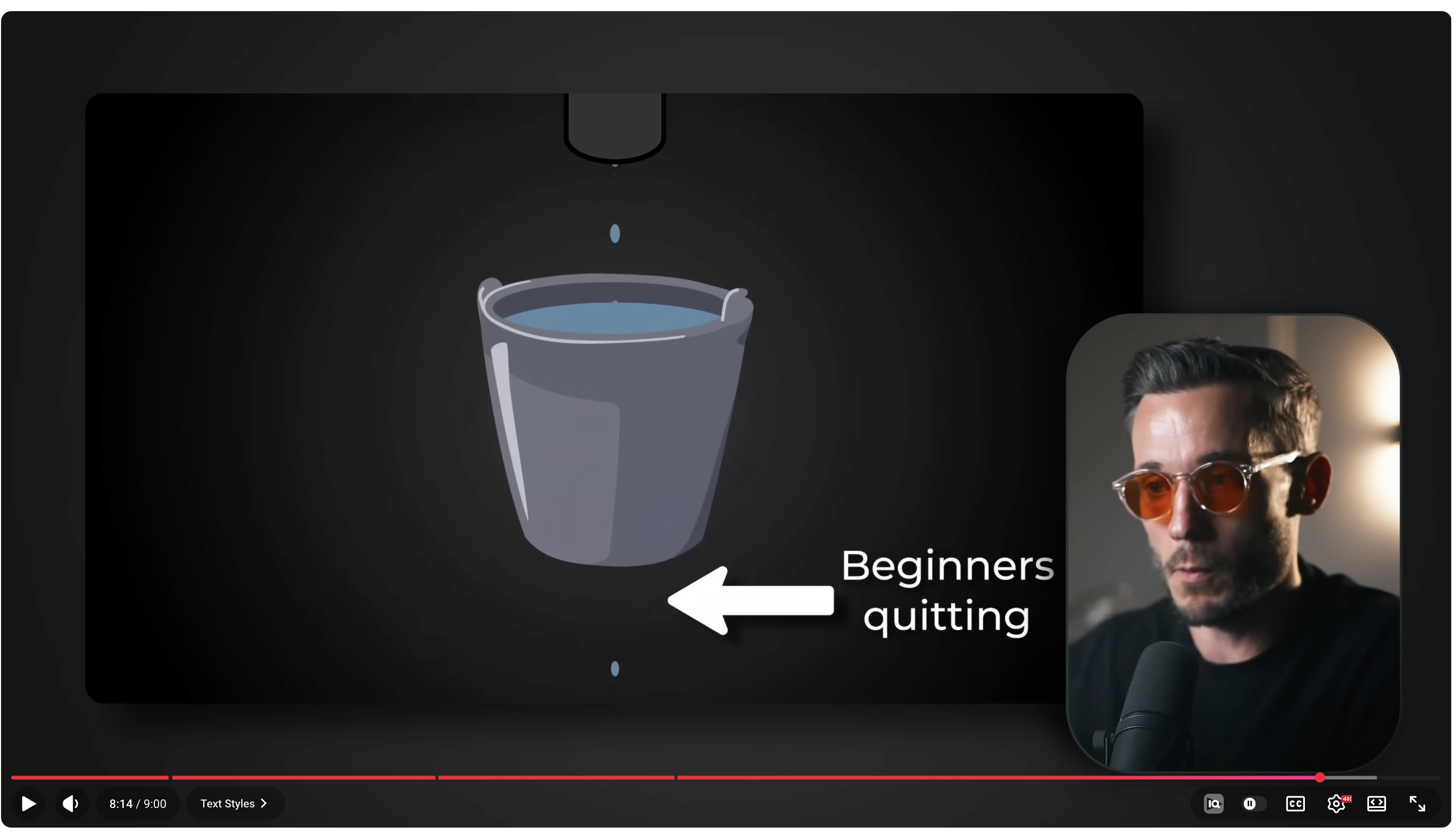
metaphor_pipMetaphor + PIP
Description
Визуальная метафора на весь экран + PIP спикера в углу.
When to use
Абстрактное объяснение, метафора, визуализация концепции.
Max text
1 визуальный элемент + 1-2 подписи
Keywords
представьтекак будтометафорааналогия
Reference
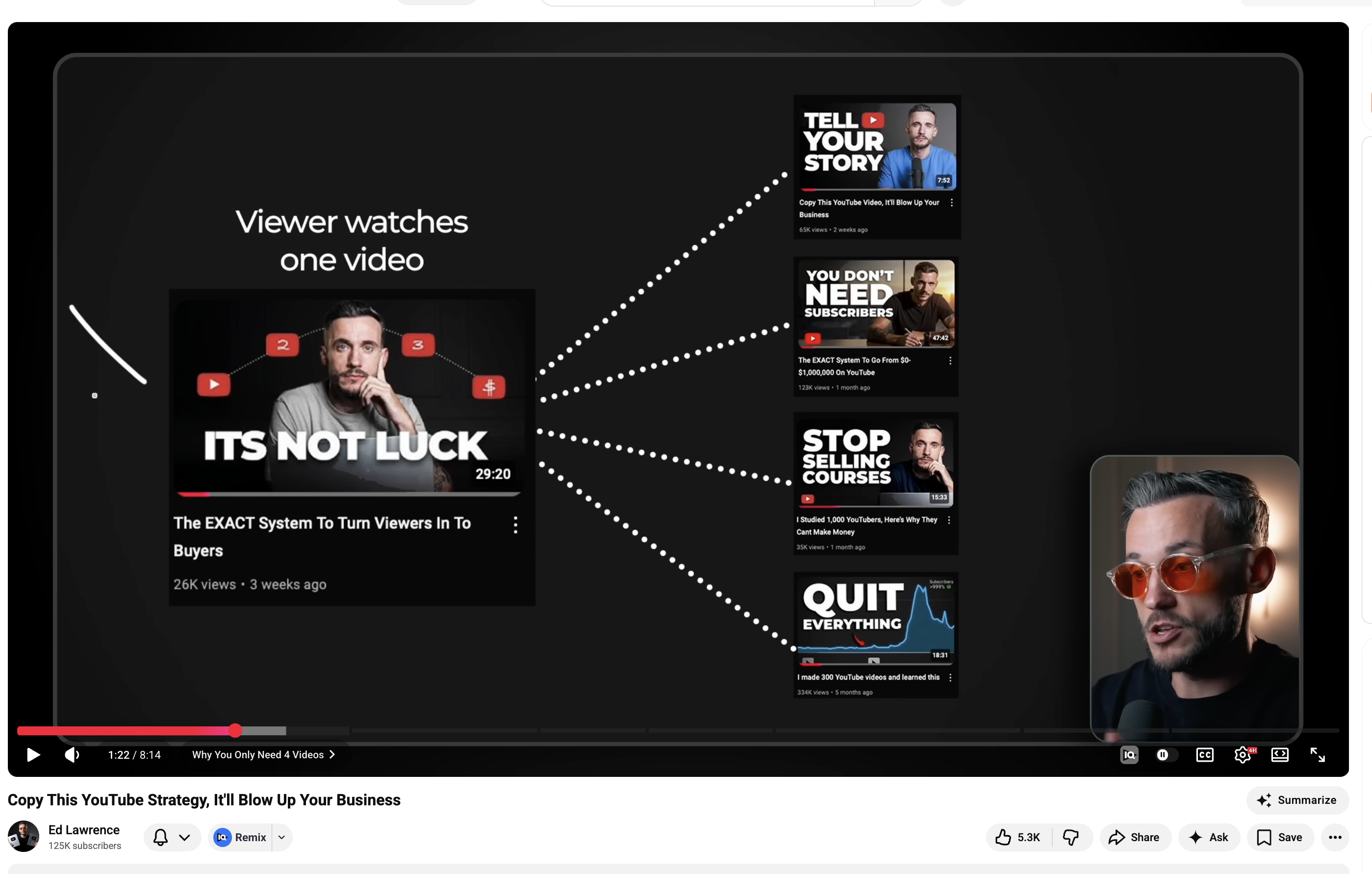
video_mapVideo Map
Main
Video
Video
→
Video 2
→
Video 3
→
Video 4
→
Video 5
Description
Центральное видео ветвится на связанные.
When to use
CTA, рекомендации видео, экосистема.
Max text
1 центральное + 3-5 ветвей
Keywords
посмотритедругое видеосерия
Reference
F3 types
UI Elements
CTA, chapter bars, end screens
cta_linkCTA / Link
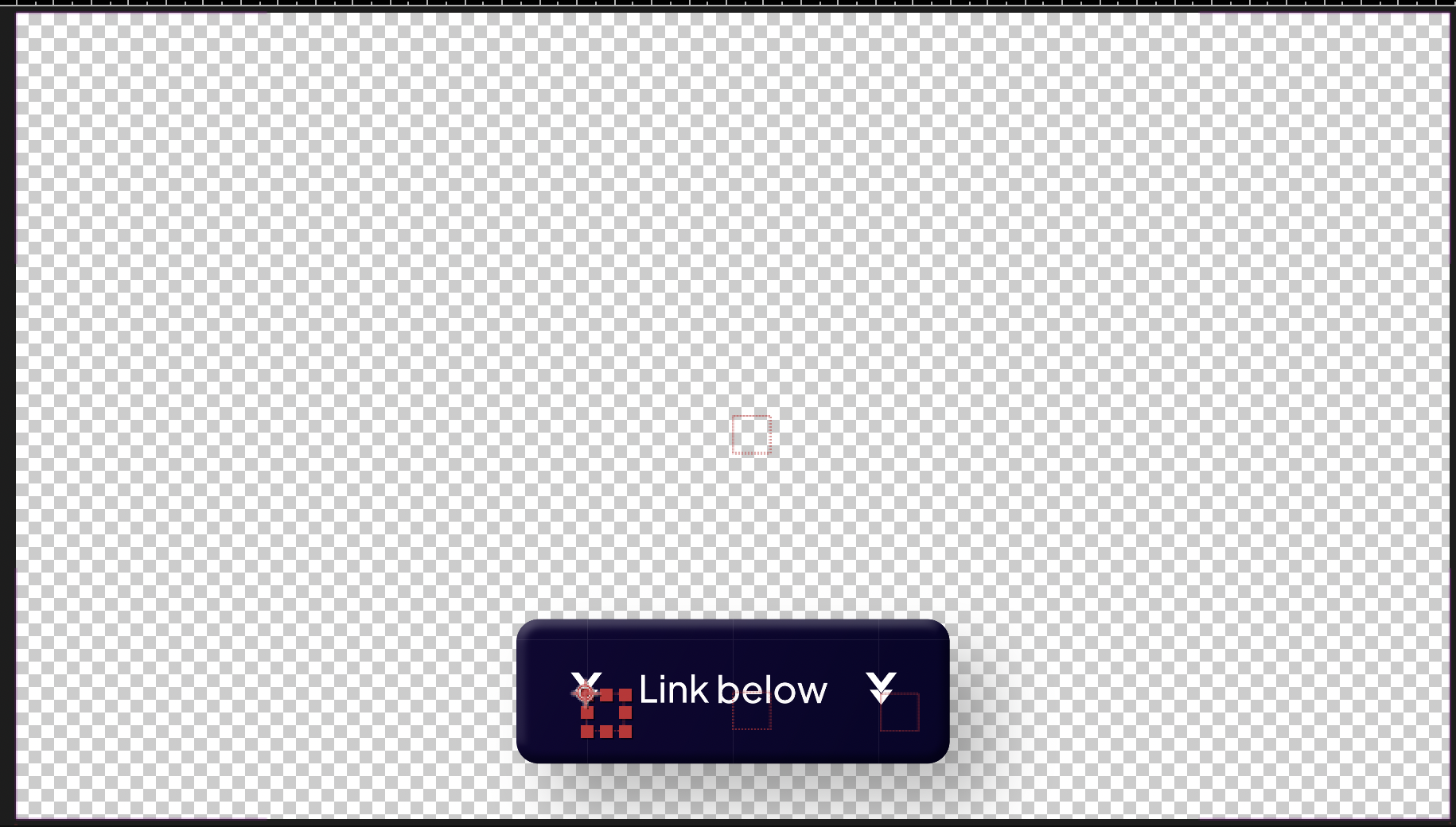
↓ Link below ↓
Description
Pill-кнопка "Link below" поверх спикера с стрелками.
When to use
Призыв к действию, ссылка, конец видео.
Max text
1 строка, 3-4 слова
Keywords
ссылкаописаниеперейдите
Reference
cta_qrCTA / QR Code
Description
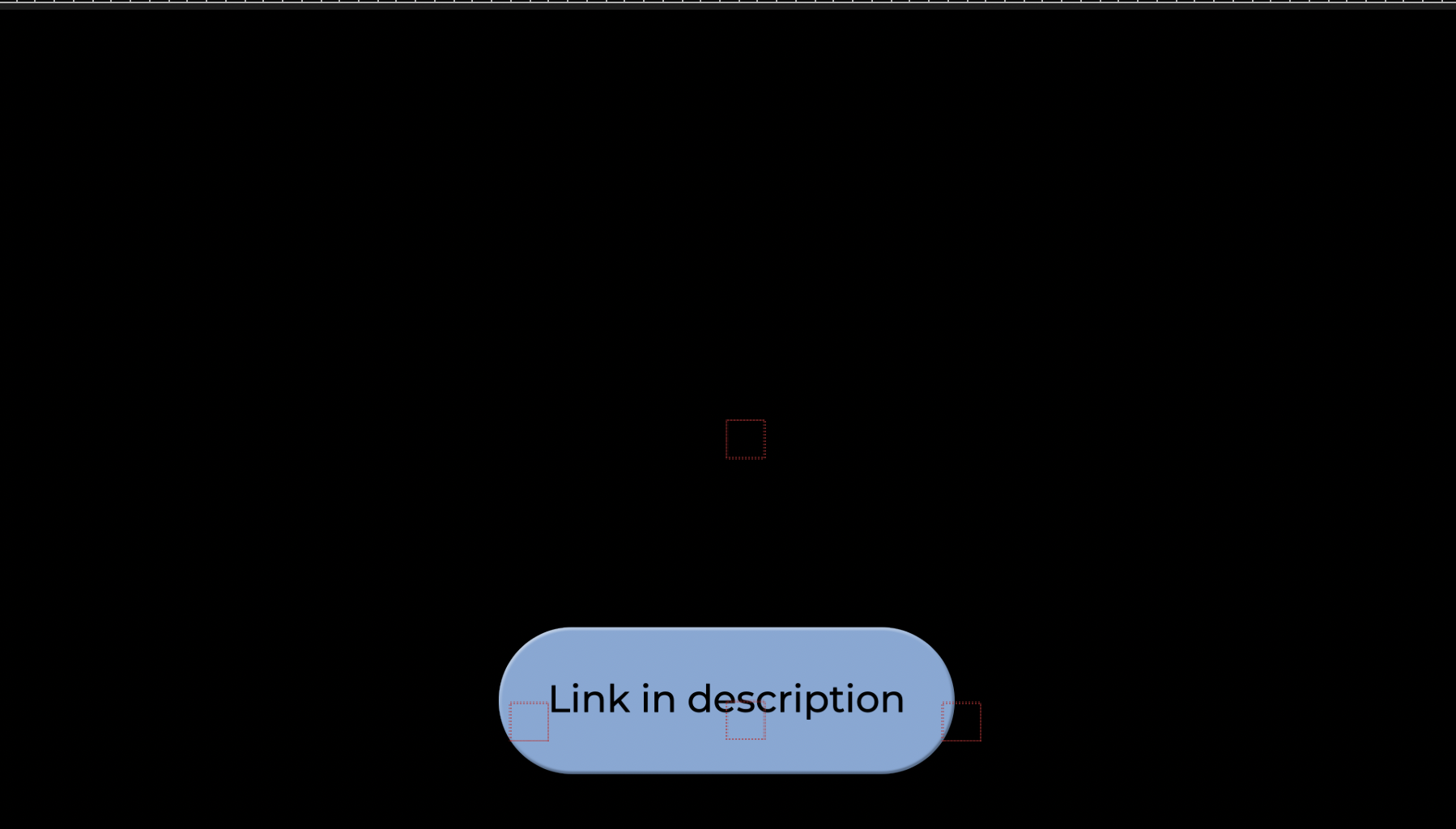
QR-код + заголовок призыва + "Link in description" поверх спикера.
When to use
Призыв с QR-кодом — консультация, лендинг, Telegram.
Max text
Заголовок + QR + подпись (3 элемента)
Keywords
QRконсультациязаписьбесплатно
Reference
ctvCTV / End Screen
Description
End screen: градиент слева (3/5) с YouTube-карточкой следующего видео + спикер справа.
When to use
Последние 20 сек видео. Call to watch другое видео.
Max text
Превью видео + заголовок
Keywords
конецследующее видеоend screen
Reference